Settings
Time
When you connect the Radiacode device to your phone, the time on the device will be set automatically.
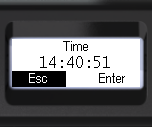
However, the time setting can also be accessed from the device's local menu:
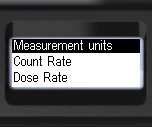
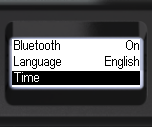
- Briefly press the up/down rocker buttons to shift the focus to Time.
- Briefly press the round button to confirm your selection.
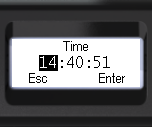
- Briefly press the round button to select the desired time entry field.
- Briefly press the up/down swing button to adjust the value of the selected field;
- To quickly change values, hold the up or down swing button.
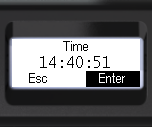
- Briefly press the round button to choose Enter or Esc.
- Press and hold the round button to confirm your selection;
- This will return to the previous menu level.
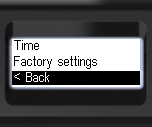
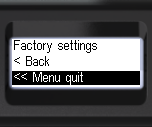
- To return to the previous level or exit the menu, briefly press the up/down swing buttons to move the focus to < Back or << Menu quit.
- Press the round button briefly to confirm your selection.
Updated: Jan 7, 2026