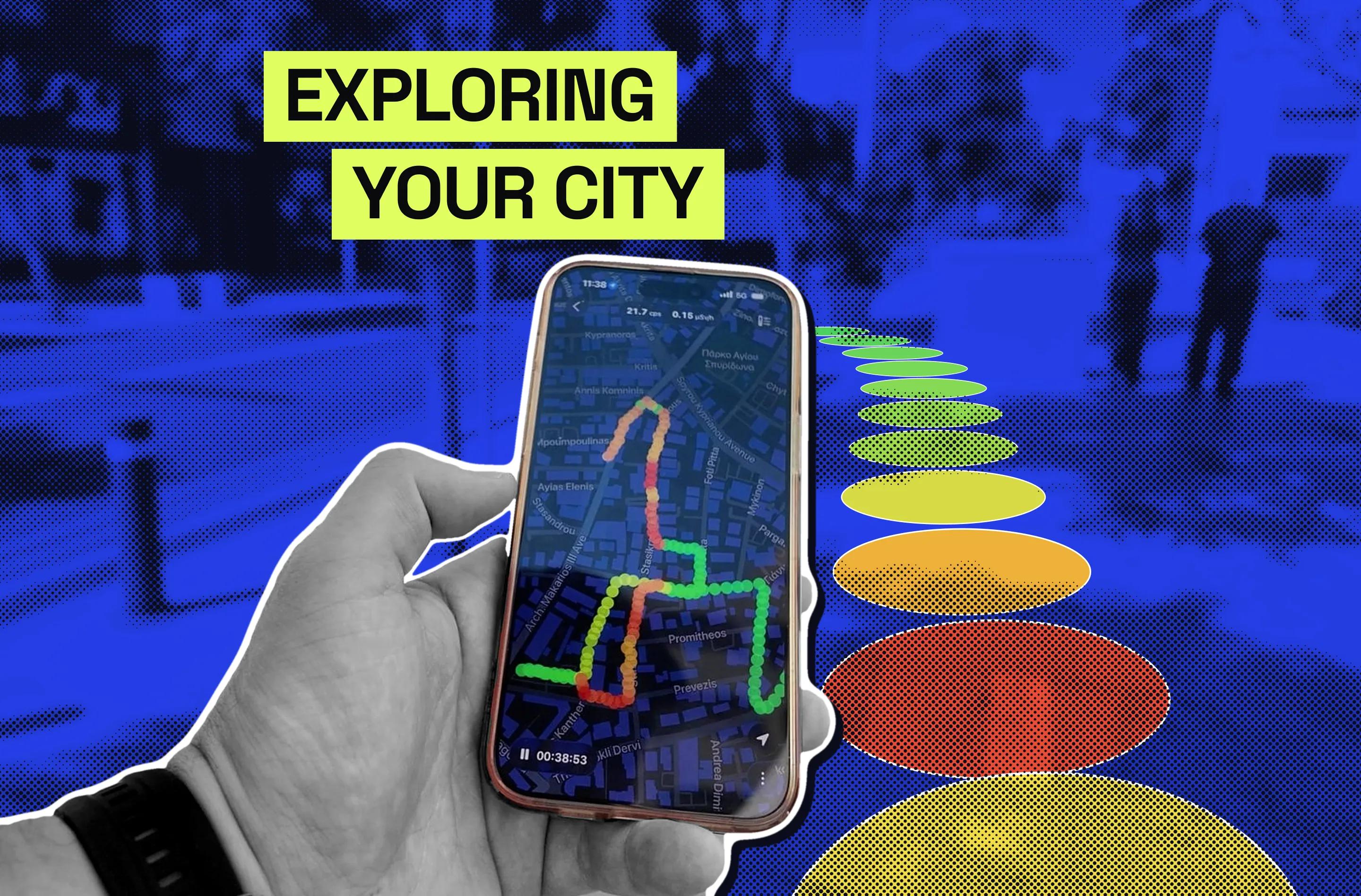
The simplest way to explore your city with Radiacode is to put it in your pocket or backpack and go for a walk. You can also wear it on a Radiacode Active Band around your ankle to bring the detector closer to the ground. A route you already know gives you an easy place to start. See what happens when you go from a park path to a stone-paved square, or when you pass close to a building you normally walk right by.
Get to know your local background
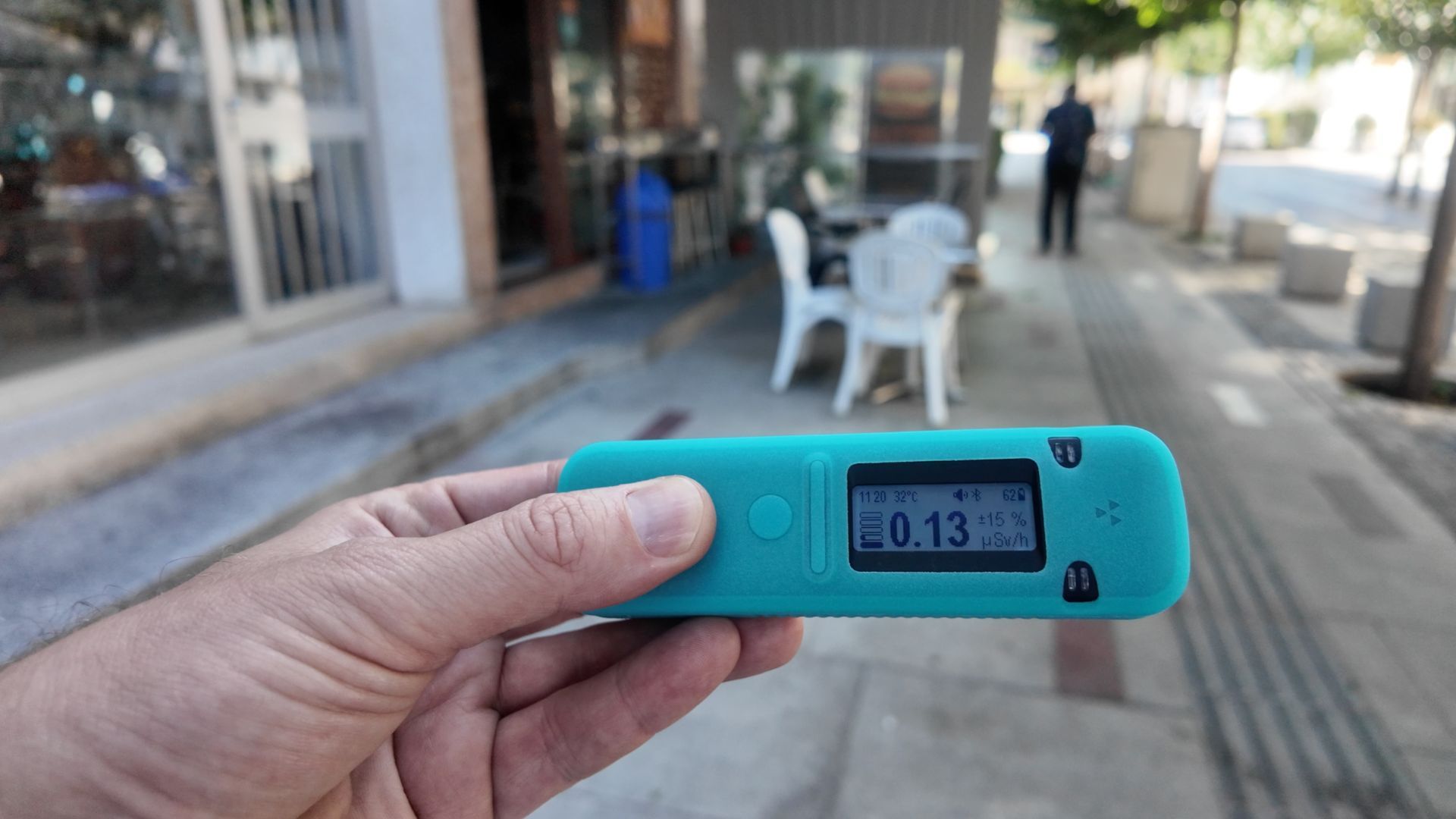
Start by checking the dose rate in a few ordinary outdoor places, such as an open stretch of pavement or a park path. Give the reading time to settle and carry the detector the way you plan to carry it on the walk. About 0.06–0.20 µSv/h is a typical range for external natural background. Your local readings can vary with geology, elevation and the materials around you.
Once you have a feel for the usual range near you, set a dose-rate alarm a little above it and choose sound or vibration. For example, if your starting readings mostly fall between 0.08 and 0.12 µSv/h, try 0.15 µSv/h as an alert for that walk. When it goes off, take a look at what’s around you.
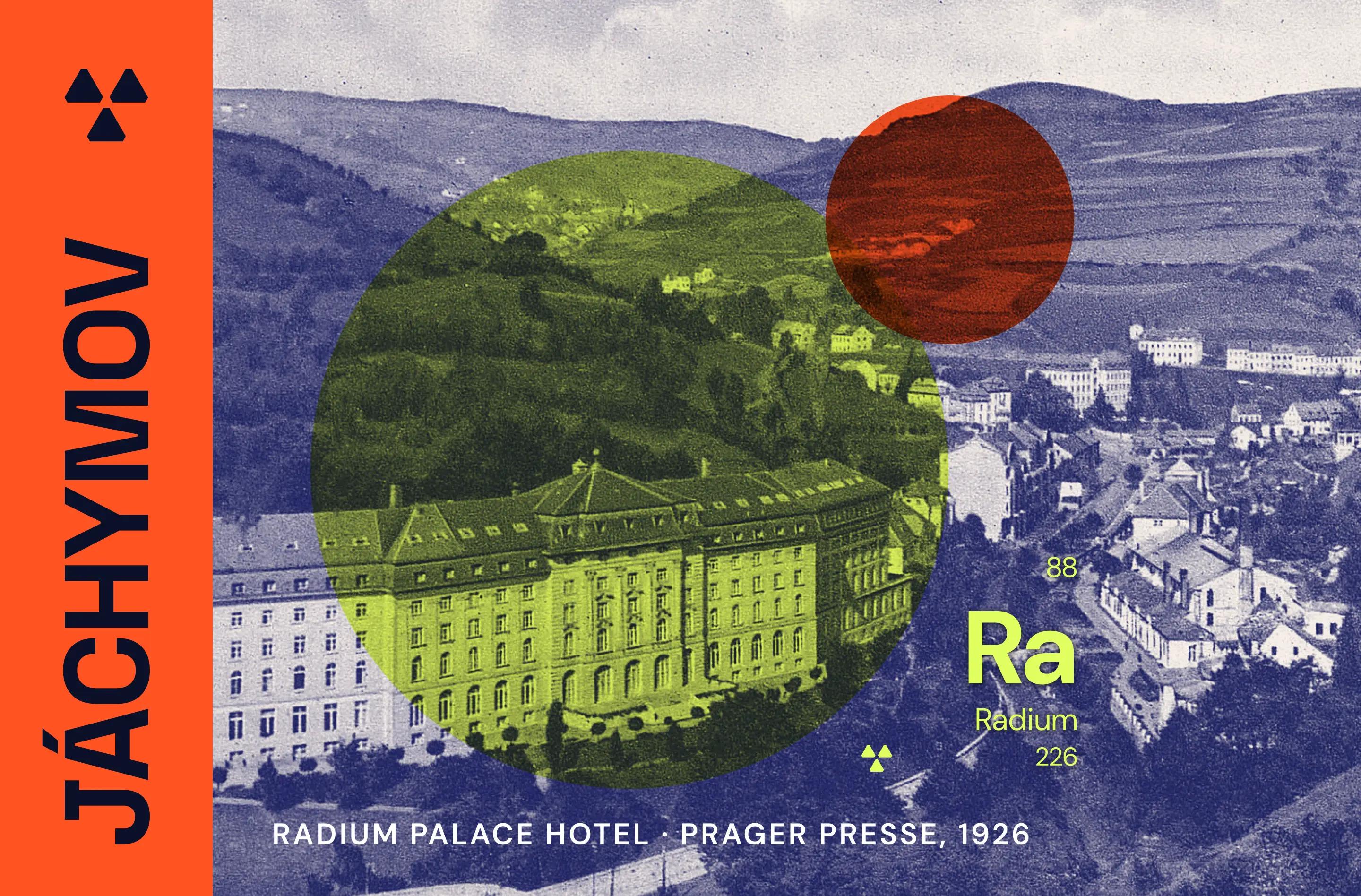
Did you know? In the historic mining town of Jáchymov, Czechia, one Radiacode track averaged 0.43 µSv/h. That’s about twice the upper end of the typical background range. Why Is Jáchymov Radioactive?
If you’d like to glance at the numbers as you walk, use the Radiacode app on Apple Watch, an Android home-screen widget, or Live Activities on iPhone. If part of your route is by car, you can also see your readings via the Radiacode Live Activity on the CarPlay dashboard with iOS 26.
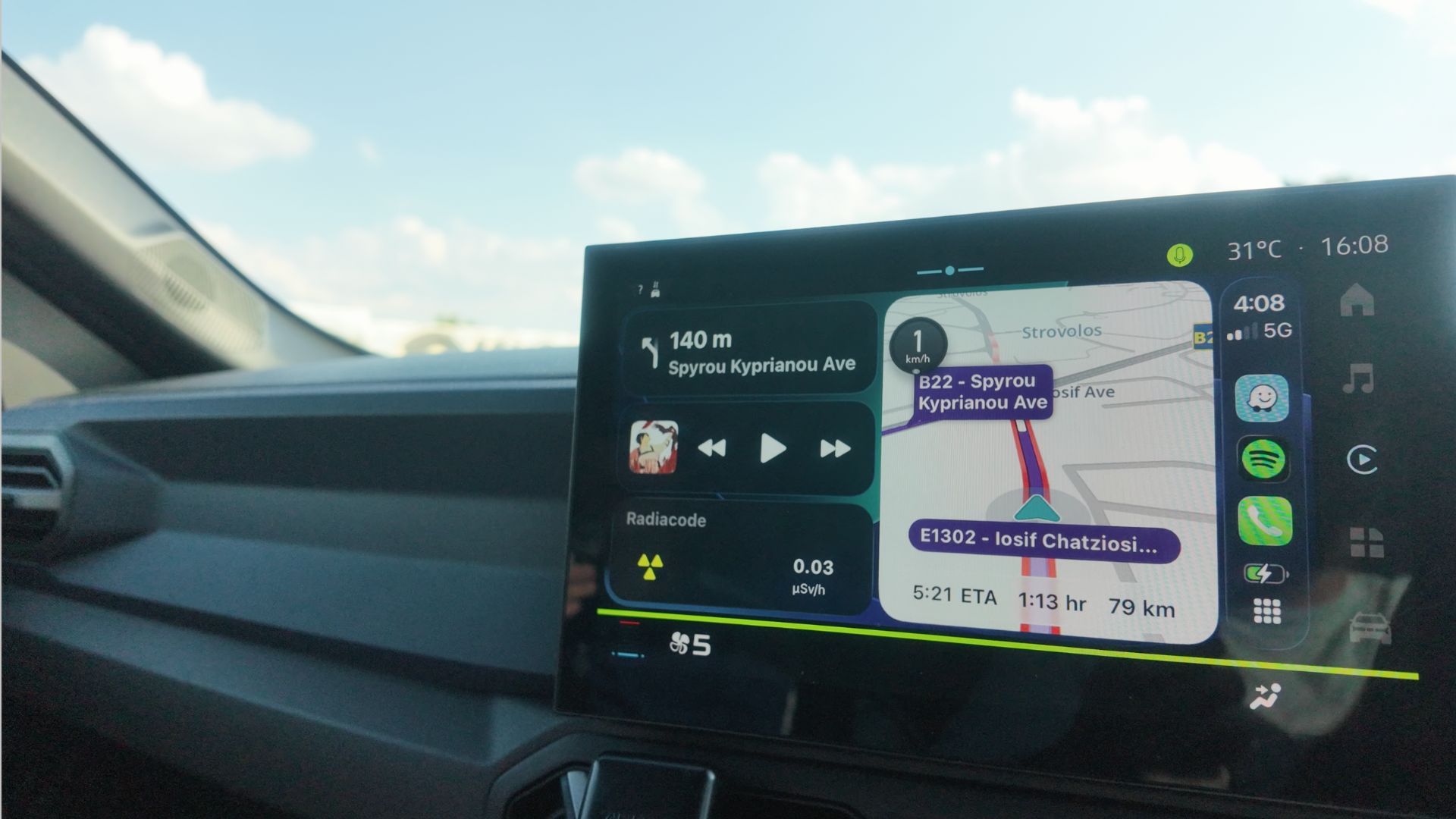
Radiacode widget in CarPlay
Three ways to explore
Record your usual walk. Pair Radiacode with the app, allow location access and start recording a track from the map. Then walk as usual and let the alarms draw your attention to changes. The app records dose-rate readings along your route, so you can review them once you get home.
Follow finds already on the map. Open Radiaverse, pick a few nearby places and make a route between them. Look at the photos and descriptions before heading out so you know where the contributor measured. Then see what you pick up along the way.
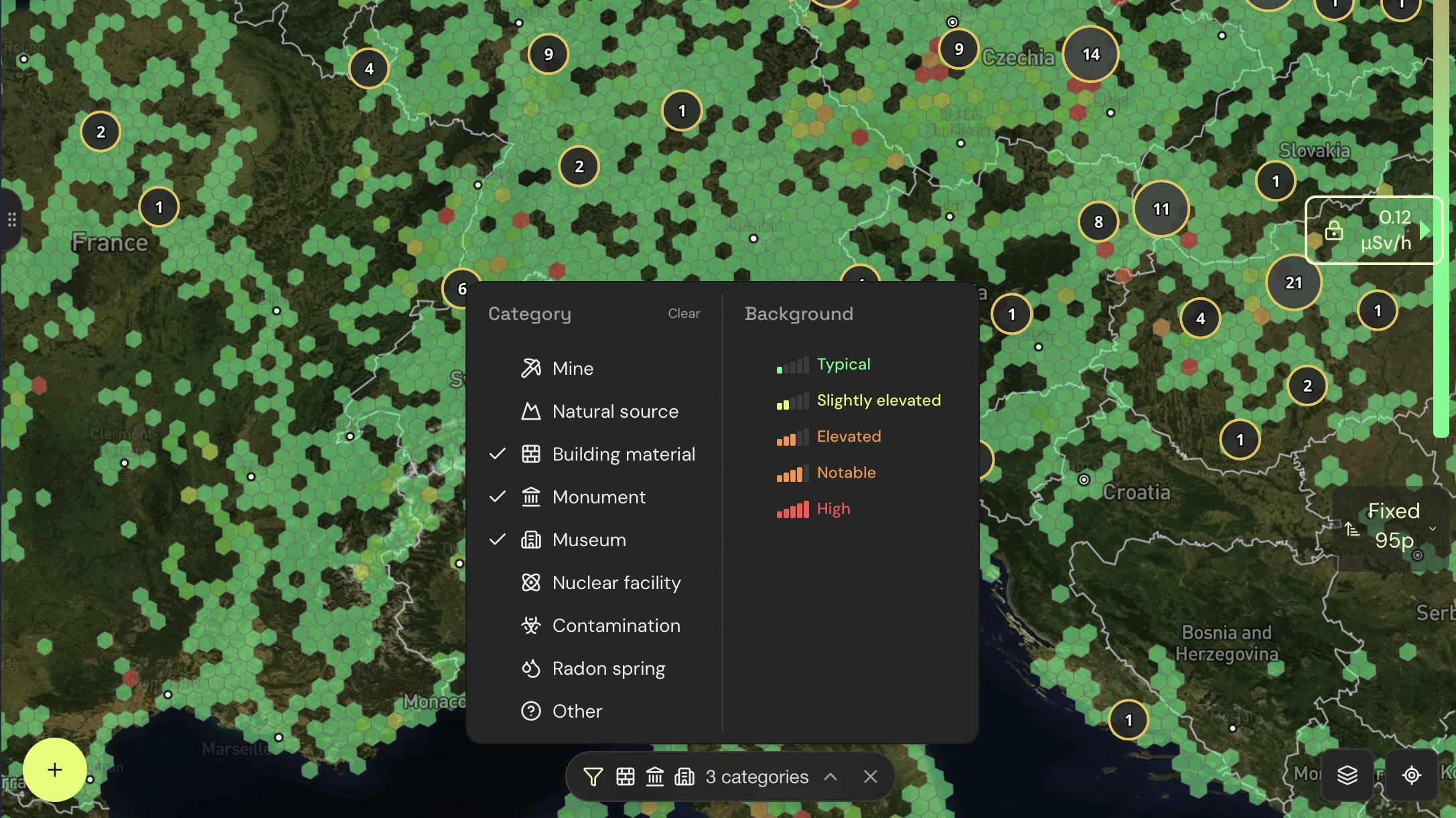
You can filter by category on Radiaverse
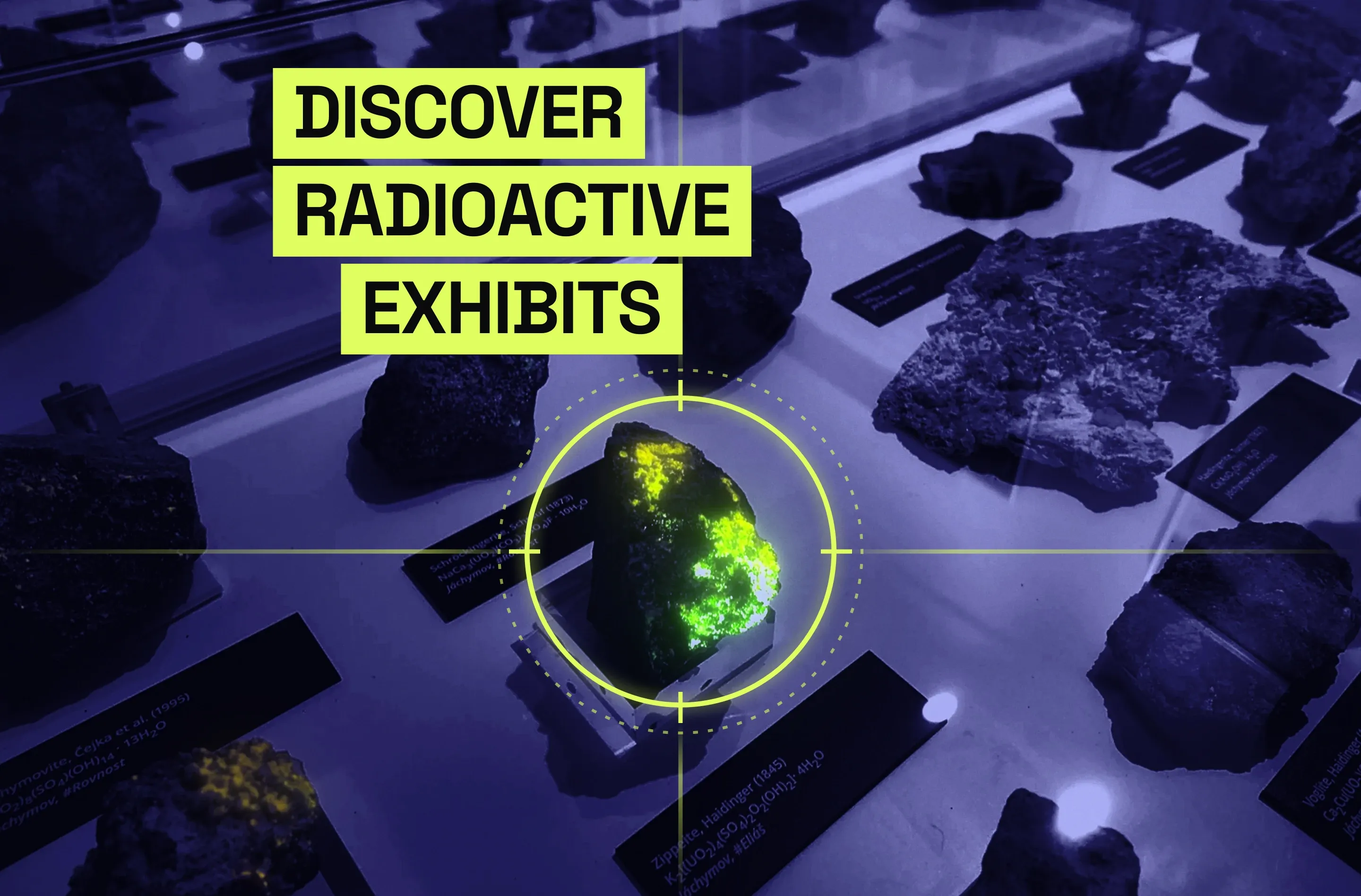
Pick a destination. Head to a stone monument, a historic square or a museum with a collection you want to explore. At a monument, you can compare the stone base with nearby paving. At a museum, check the labels for clues about the materials used in the exhibits.
Discover Radioactive Exhibits with Radiacode
What you might find in the city
When a reading changes, take a look around. The clue might be in the paving underfoot, the wall beside you or an object on a market stall.
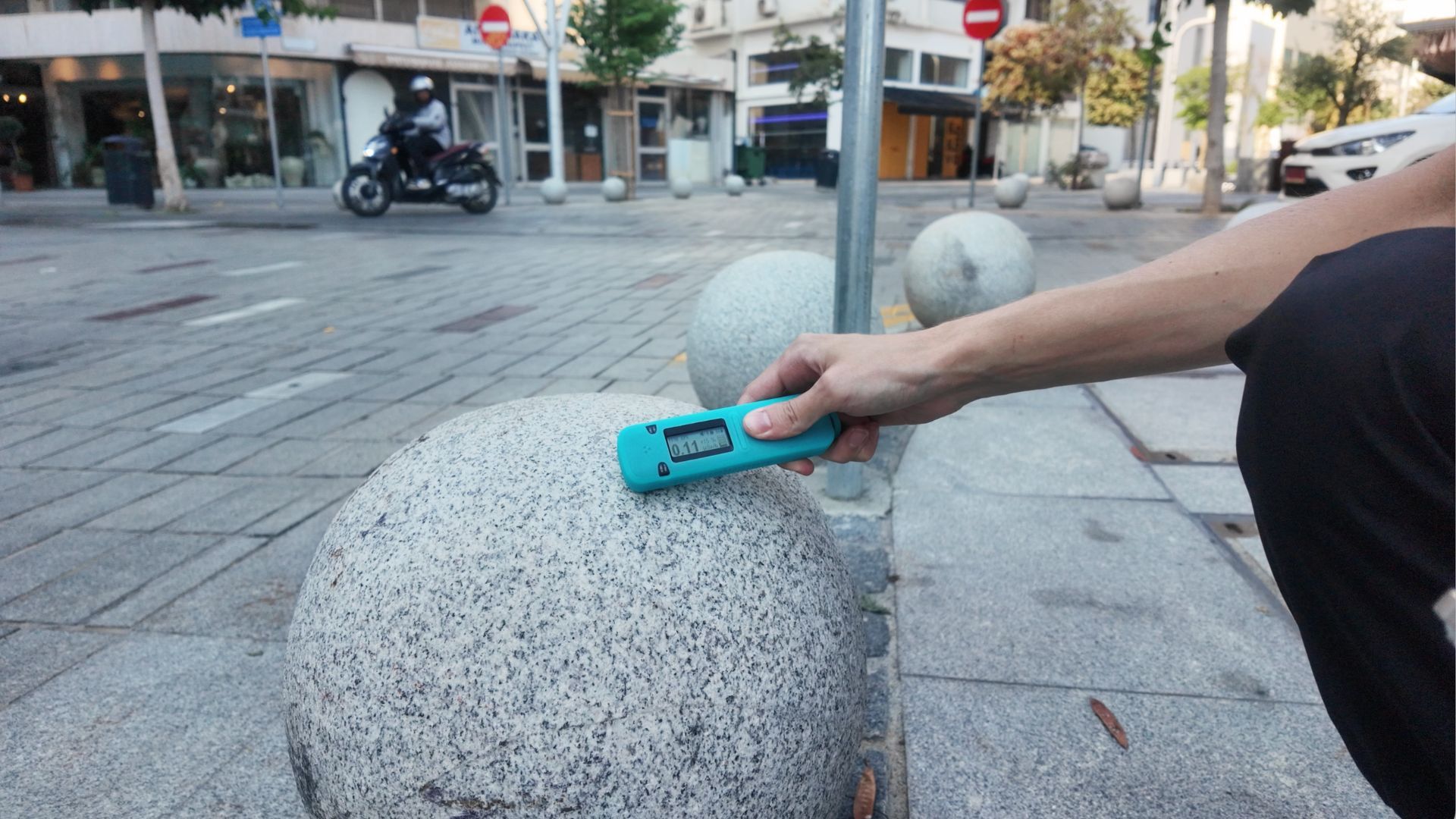
Granite in old town squares
Look for granite paving stones, kerbs and steps. Where granite meets concrete or another kind of stone, hold the detector the same distance from each surface and compare the readings.
Brick, concrete and stone buildings
Brick walls, concrete steps and stone façades can all contribute to the local background. Try comparing a wall or a step with the pavement nearby.
Monuments and fountains
The sculpture, pedestal and surrounding paving can each be made from a different kind of stone. Take a reading near each one. If there’s a plaque, see whether it names the material.
Flea markets and antique shops
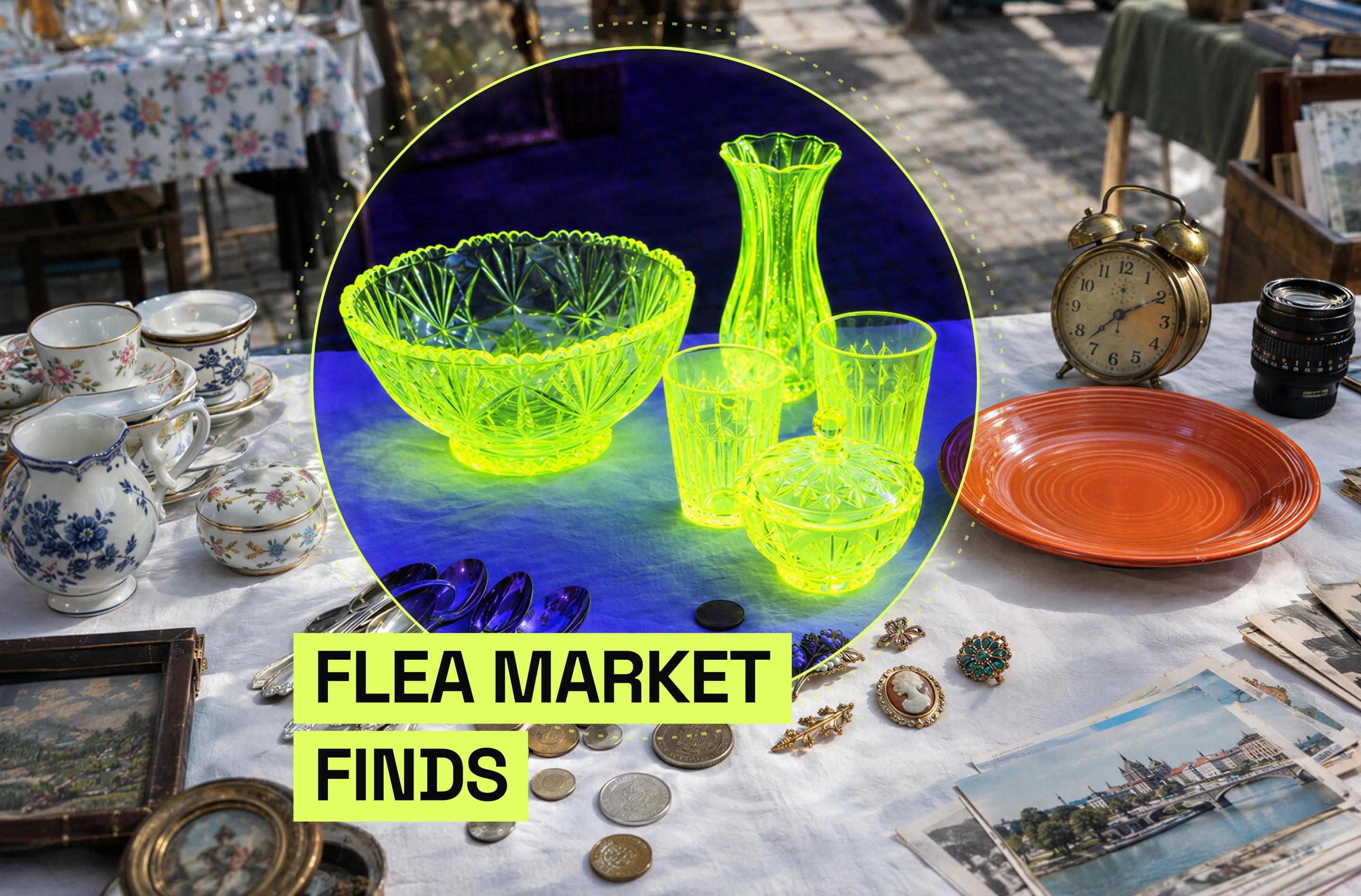
Look out for uranium glass, vintage ceramics with certain glazes, and older clocks or gauges with radium-painted dials. Ask the seller before measuring an item up close, and leave flaky or damaged dials undisturbed.
Why a fast response matters on foot
In Radiacode’s comparison, the Radiacode 110 counted about 40 times faster than a conventional Geiger counter. Its scintillation detector picks up more events in the same amount of time, so it can respond sooner when radiation levels change.
On an unfamiliar street, you may need to slow down or stop with a conventional Geiger counter to give it time to collect enough counts. With the Radiacode 110, you can walk at your usual pace while the app records dose-rate readings and their locations. If you notice a rise as you pass a stone wall or a stretch of paving, the track gives you a spot to revisit.
When a city walk becomes a research project
Researchers at the University of Sydney took that question across a 10 × 10 km area. Using portable Radiacode spectrometers and lab analysis of soil samples, they found that the readings largely followed the city’s geology. Areas on sandstone or shale tended to read higher, while places such as Centennial Park, with younger sediments, tended to read lower.
Mapping Natural Radiation in Sydney
If something catches your attention, switch to Search mode and watch the count rate. Step away and approach again to see whether the rise repeats. With a Radiacode 100 Series model, you can also record a gamma spectrum to help investigate which isotopes might be contributing to the reading.
Share your walk on Radiaverse
Publish your track on Radiaverse so others can see what you measured along the way. If you found a spot worth a closer look, add it as an area with a photo and a short description.
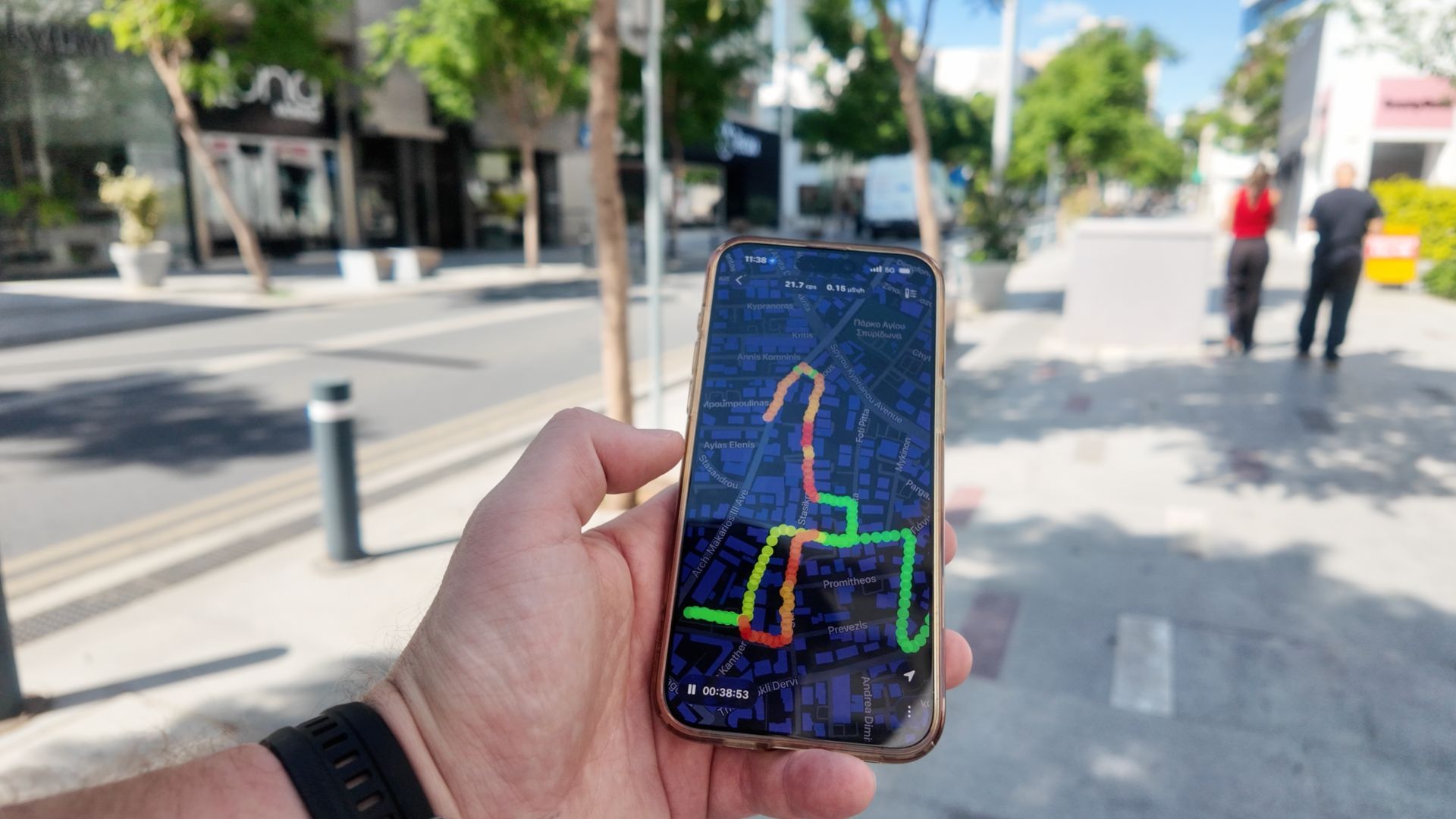
Include the material if you know it and how far you held the detector from the surface. If you saved a spectrum, add that too.
Start with a street you already walk down, or open Radiaverse and find a place to explore nearby.
Join the friendly competition
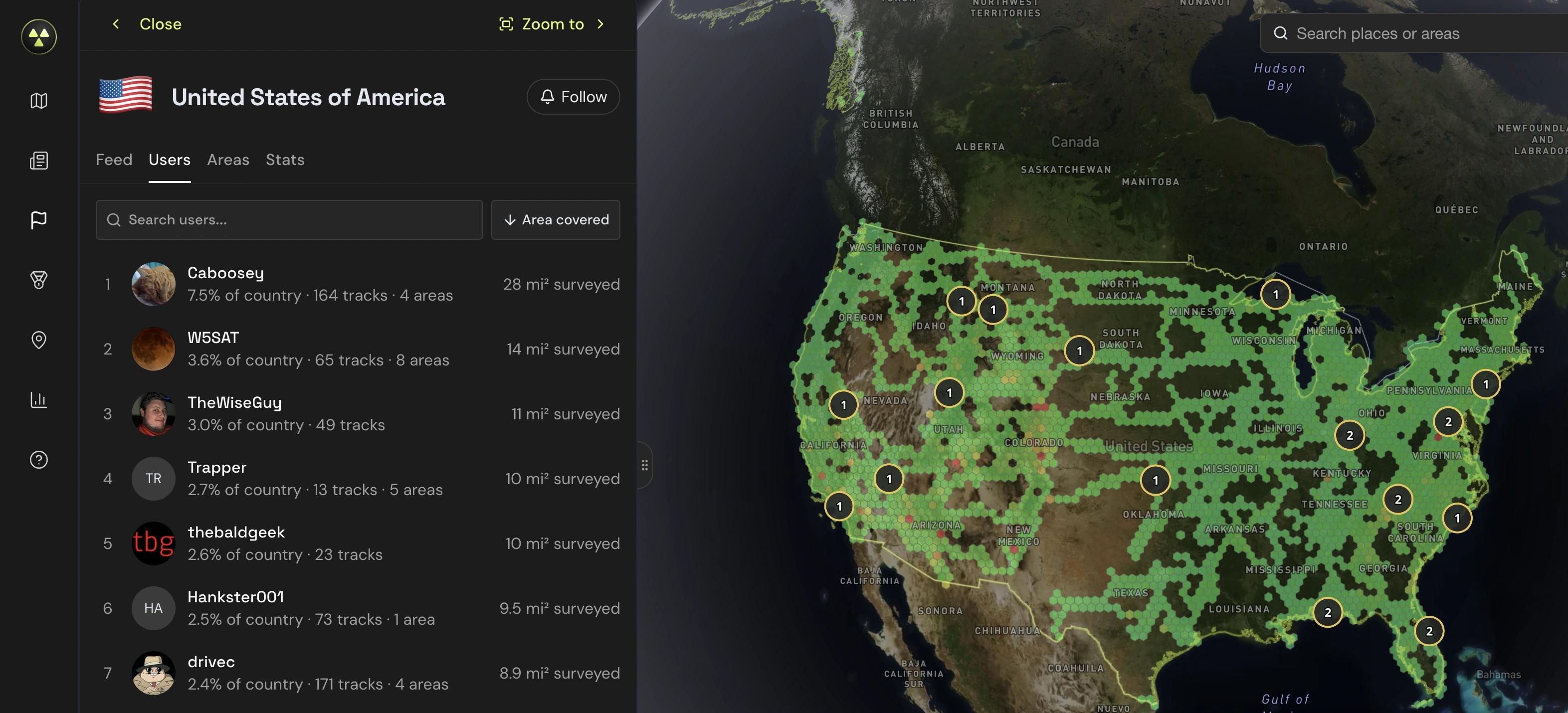
Pick your country on Radiaverse to see who’s mapped the most ground. Contributors are ranked by the area they’ve covered. Take a different way home or explore a neighbourhood you haven’t measured yet, then see how your coverage grows.