Settings
Dose Rate
Setting the dose rate alarm level
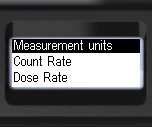
- Briefly press the up/down rocker buttons to shift the focus to Dose rate.
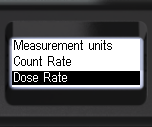
- Briefly press the round button to navigate to the Dose rate.
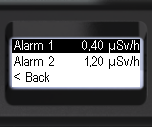
- Briefly press the round button to navigate to Alarm 1;
- Briefly press the round button to choose the desired digit of the threshold value;
- Briefly press the up/down swing buttons to adjust the value of the selected digit;
- Set all the digits.
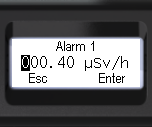
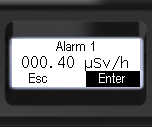
- Briefly press the round button to choose Enter or Esc.
- Press and hold the round button to confirm your selection.
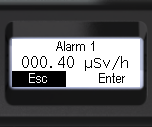
You can exit this and deeper menu levels using < Back and << Menu quit or by going to Alarm 2.
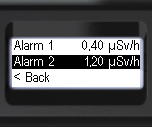
- Briefly press the round button to switch to Alarm 2.
- Briefly press the round button to choose the desired digit of the threshold value;
- Briefly press the up/down swing buttons to adjust the value of the selected digit;
- Set all the digits.
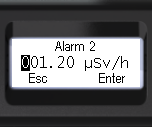
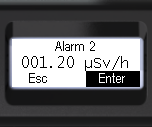
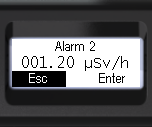
- Briefly press the round button to choose Enter or Esc.
- Press and hold the round button to confirm your selection.
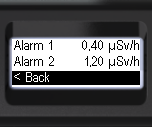
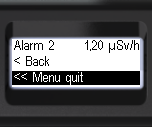
- To return to the previous level or exit the menu, briefly press the up/down swing buttons to move the focus to < Back or << Menu quit.
- Press the round button briefly to confirm your selection.
Updated: Jan 9, 2026