Settings
Language
The device can support multiple languages for menus and messages
To change the language:
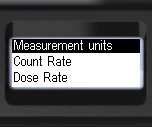
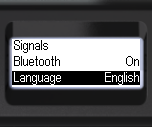
- Briefly press the up/down swing buttons to move the focus to the item Language;
- Short press the round button to select the instrument interface language: English or other supported languages.
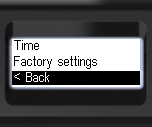
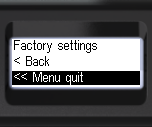
- To return to the previous level or exit the menu, briefly press the up/down swing buttons to move the focus to < Back or << Menu quit;
- Briefly press the round button to confirm your selection.
Updated: Dec 11, 2025