Settings
Measurement Units
Your device enables you to use various units of measurement:
- Roentgen (R) or Roentgen per hour (R/h)
- Sieverts (S) or Sieverts per hour (S/h)
- Counts per second (CPS)
- Counts per minute (CPM)
To change the settings:
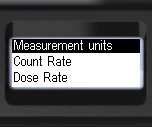
- Briefly press the up/down rocker buttons to shift the focus to Measurement units.
- Briefly press the round button to navigate to Measurement units.
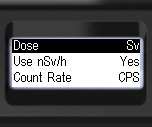
- Press the round button briefly to select dose rate measurement units:
- Sv - Sievert or R - Roentgen;
- Briefly press the up/down swing buttons to move the focus to the itemUse nSv/h..
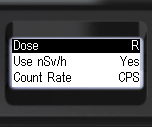
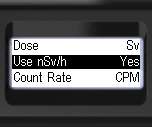
- Briefly press the round button to choose the use of nSv/h when selecting dose rate units in Sv: Yes or No;
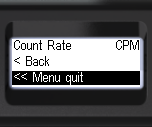
- Briefly press the up/down swing buttons to shift the focus to Count Rate.
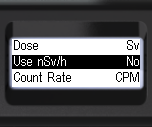
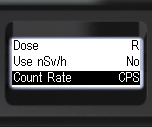
- Briefly press the round button to choose the units for count rate estimation:
- CPS - Count Per Second;
- CPM - Counts Per Minute.
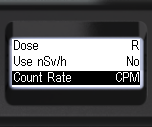
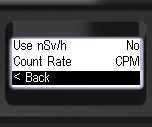
- To go back to the previous level or exit the menu, briefly press the up/down swing buttons to move the focus to < Back or << Menu quit.
- Press the round button briefly to confirm your selection;
Updated: Jan 7, 2026