Pseudo Tracks
A pseudo track is a track generated by the application based on the dose rate data recorded in the database when the option "Save geographic coordinates of measurements in the database" is enabled.
To create a pseudo-track, choose the desired point on the graph or the desired entry in the log and press and hold on the screen. A dropdown menu will appear. Select the “Show on the map” option (this will only be available if the aforementioned option was enabled during the measurement and the application received location data from the system). You will then be prompted to select time limits for creating a pseudo-track:
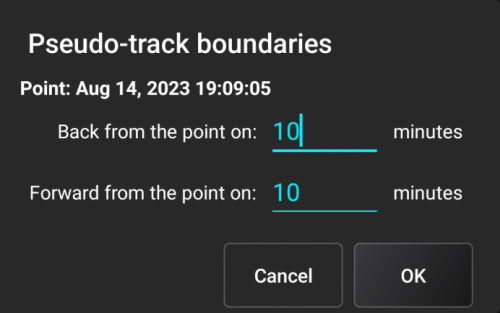
The map will open and display the markers that fall within the selected time interval. It should be noted that processed data, rather than operational data, are entered into the database. This data comes from the device at a frequency that depends on the current radiation situation. For small changes in dose rate values, data is received approximately every 2 minutes, while for sharp changes, data is received more frequently. When creating a pseudo track, all map settings are considered, and the same decimation and filtering algorithms are applied as when building a regular track.
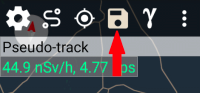
The pseudo track shown on the map can be saved in the tracks library using the button on the toolbar:
Updated: Jan 9, 2026