Ajustes
Ajustes de la pantalla
Brillo de la retroiluminación: 0–9 (5 por defecto). Los niveles bajos consumen menos batería. [Duration]: 5, 10, 15, 30 s y 2, 5 min. [Turning on]: [Auto] / [By button] / [Never]. [Rotate]: [Auto] / [Right] / [Left].
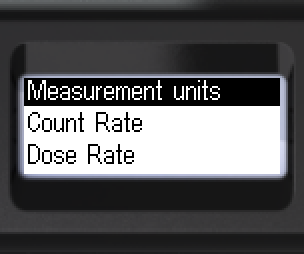
- Ir a [Screen]. Abrir el submenú.
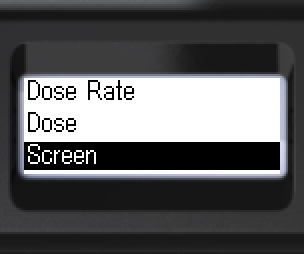
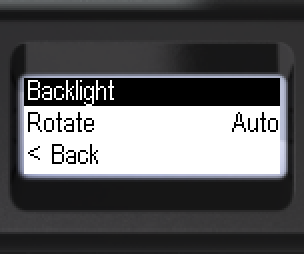
- Abrir [Backlight]. Seleccionar el modo: [Auto], [Never] o [By button].
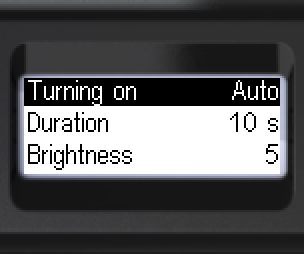
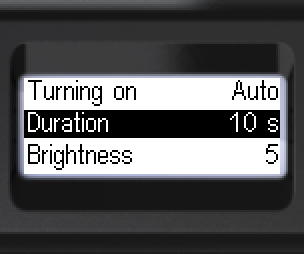
- Seleccionar la duración: 5, 10, 15, 30 s o 2, 5 min.
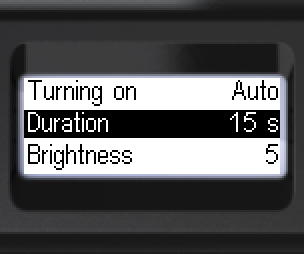
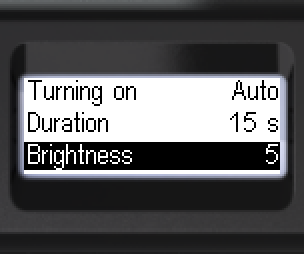
- Seleccionar el brillo: de 0 a 9.
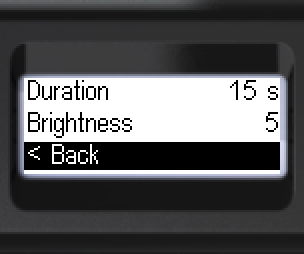
- [< Back] — nivel anterior.
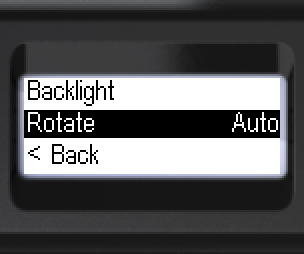
- Ir a [Rotate]. Seleccionar: [Auto], [Right] o [Left].
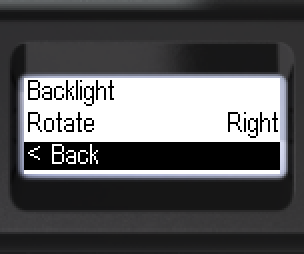
- [< Back] — nivel anterior.
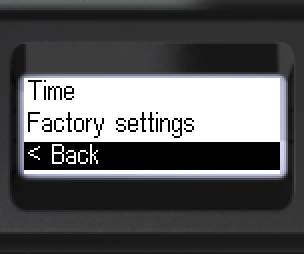
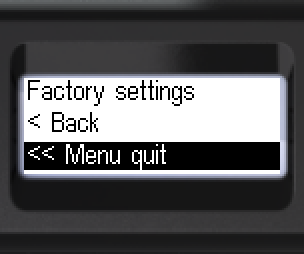
- Volver: [< Back] o [<< Menu quit].
Actualizado: 21 oct 2026