Controls and display
Menu navigation
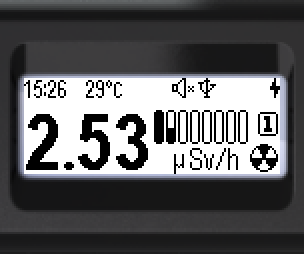
- Briefly press the round button to enter the menu.
- At the top — the name of the current menu item (e.g. “Monitor”).
- Menu item icons are arranged vertically.
- The active item is highlighted in negative — light on dark.
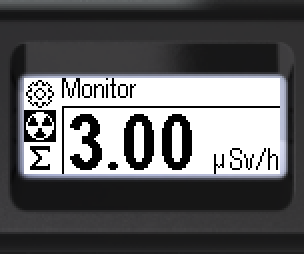
Six items are available at the main menu level. Three are visible at a time; scroll with the swing buttons for the rest. The menu is cyclic at all levels.
Cyclic order when pressing the “down” button:
 →
 →
 →
 →
 →

To select an item — short-press the swing buttons. To confirm — short-press the round button.
To exit submenus, use [< Back] or [<< Menu quit].
Updated: Oct 21, 2026