Settings
Signals — sound, vibration, light
Combined interface: display, buttons, sound emitter, LEDs, vibration motor. Individual settings are available for alarm sounds, button response, and clicks.
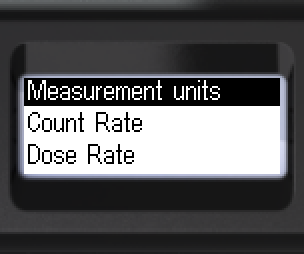
- Navigate to [Signals]. Enter the submenu.
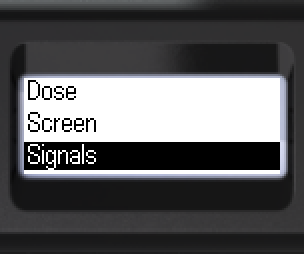
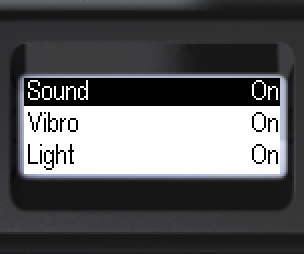
- [Sound]: [On] — all enabled sounds, or [Off] — only search and out-of-scale signals remain.
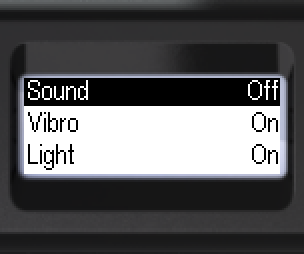
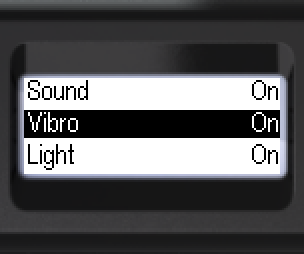
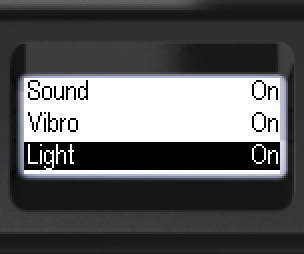
- [Vibro] and [Light]: [On] or [Off].
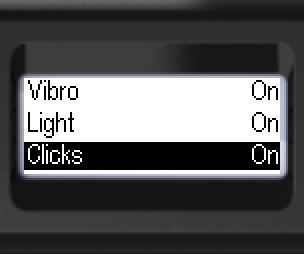
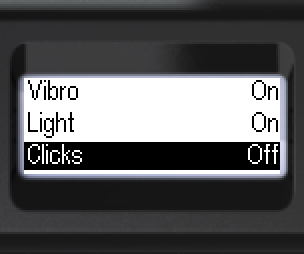
- [Clicks] — gamma and X-ray photon registration clicks. [On] or [Off].
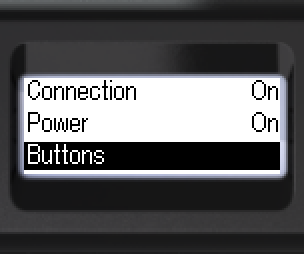
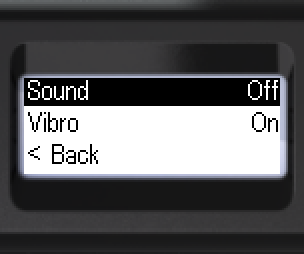
- [Buttons]: [Sound] or [Vibro] — select the response type.
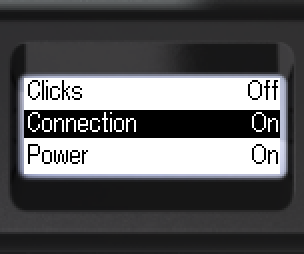
- [Connection] — connect/disconnect signal. [On] or [Off].
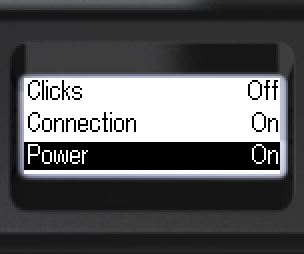
- [Power] — turning on/off sound. [On] or [Off].
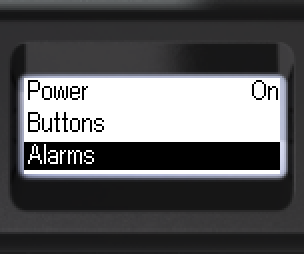
- To configure alarm signals: [Alarms]. Confirm.
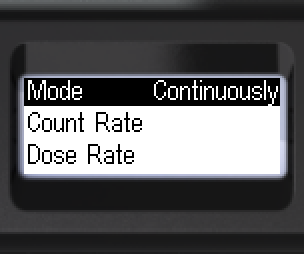
- Indication mode: [One-shot] or [Continuously].
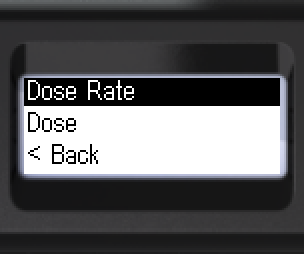
- Select a channel, e.g. [Dose Rate]. Confirm.
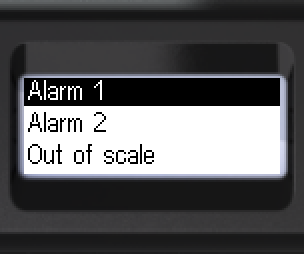
- Select level: [Alarm 1] or [Alarm 2]. Confirm.
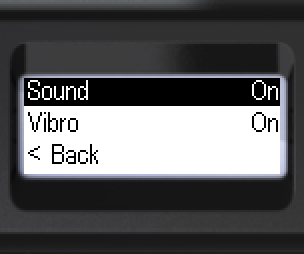
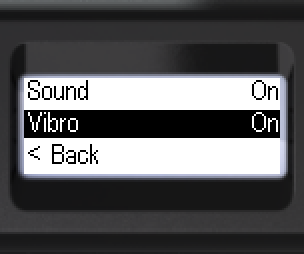
- [Sound] or [Vibro]: [On] or [Off].
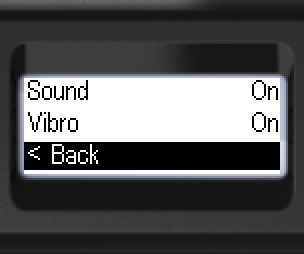
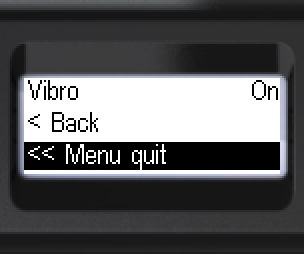
- To go back: [< Back] or [<< Menu quit].
Updated: Oct 21, 2026