Alarmsystem
Alarmschwellen einstellen
Für jede der drei Größen (Zählrate, Dosisleistung, akkumulierte Dosis) lassen sich zwei Alarmschwellen einstellen. Das Vorgehen ist gleich.
Zählrate – Alarmstufen
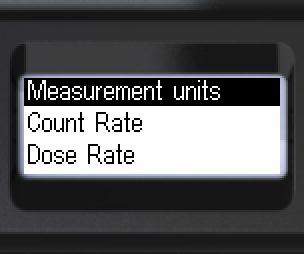
- Zu [Count Rate] wechseln. Untermenü öffnen.
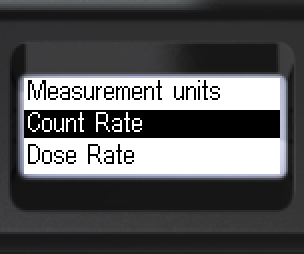
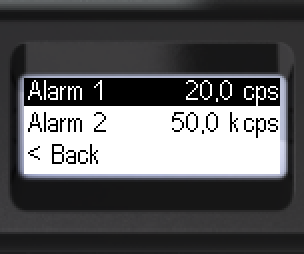
- [Alarm 1] öffnen. Stelle wählen, Wert ändern. Alle Stellen einstellen.
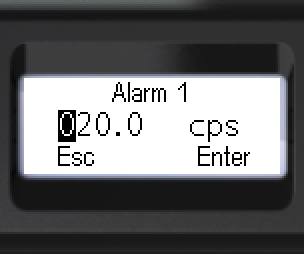
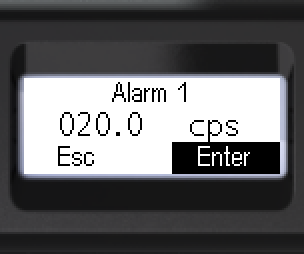
- [Enter] oder [Esc] wählen. Lang drücken zum Bestätigen.
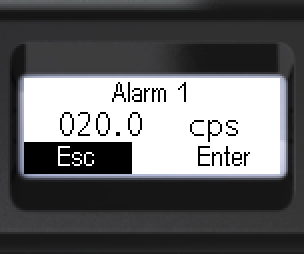
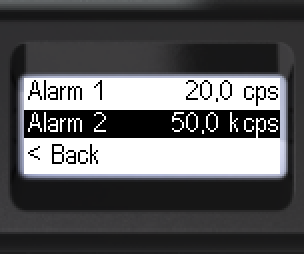
- Zu [Alarm 2] wechseln. Gleiches Vorgehen.
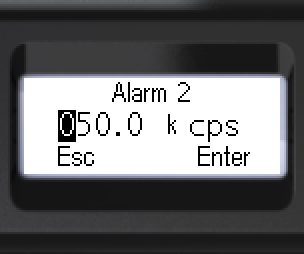
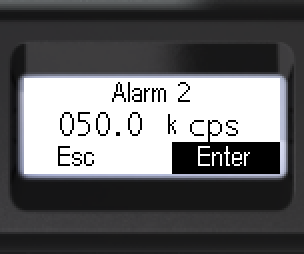
- [Enter] oder [Esc] wählen. Lang drücken zum Bestätigen.
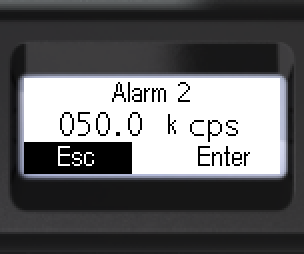
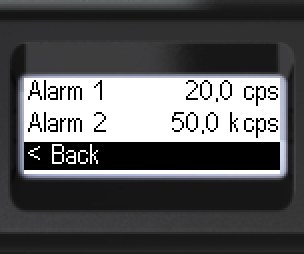
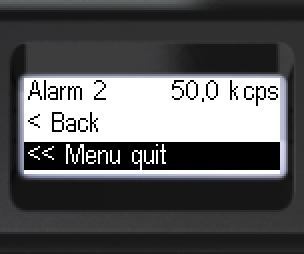
- Zurück: [< Back] oder [<< Menu quit].
Dosisleistung – Alarmstufen
- Zu [Dose Rate] wechseln. Untermenü öffnen.
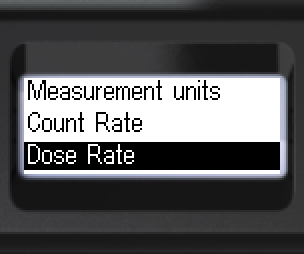
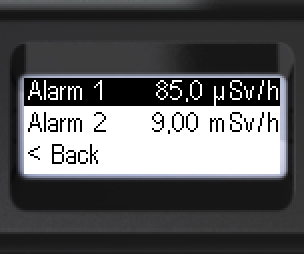
- [Alarm 1] öffnen. Stelle wählen, Wert ändern.
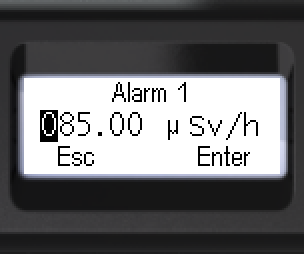
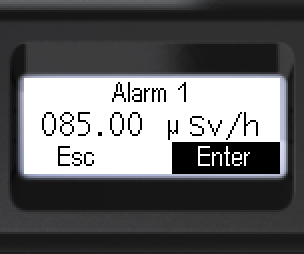
- [Enter] oder [Esc] wählen. Lang drücken zum Bestätigen.
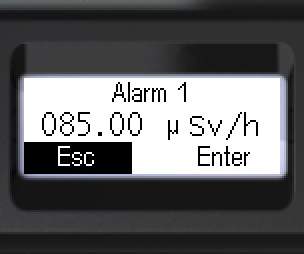
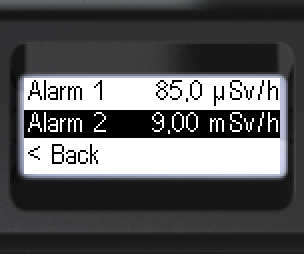
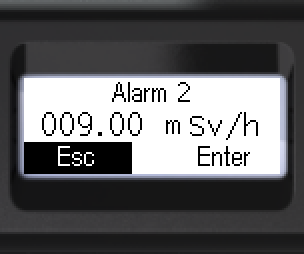
- Zu [Alarm 2] wechseln. Werte einstellen.
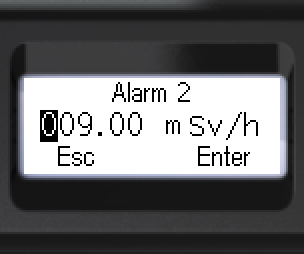
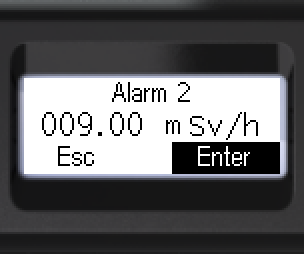
- [Enter] oder [Esc] wählen. Lang drücken zum Bestätigen.
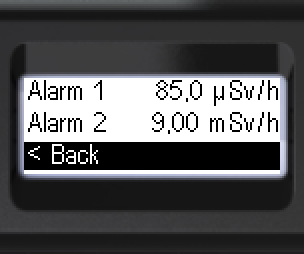
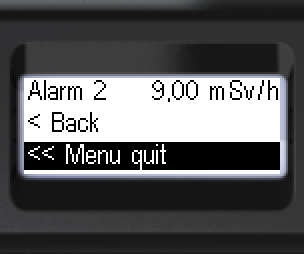
- Zurück: [< Back] oder [<< Menu quit].
Dosis – Alarmstufen
- Zu [Dose] wechseln. Untermenü öffnen.
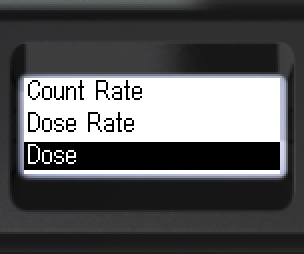
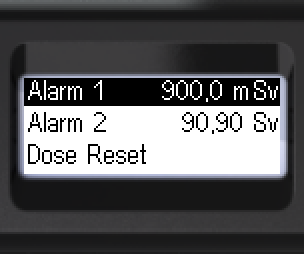
- [Alarm 1] öffnen. Stelle wählen, Wert ändern.
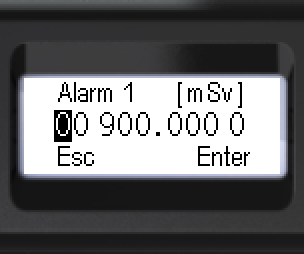
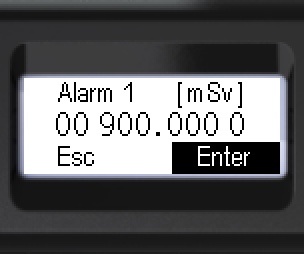
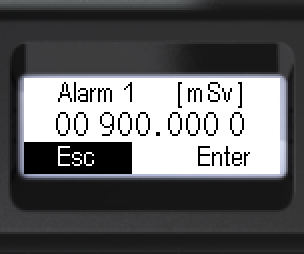
- [Enter] oder [Esc] wählen. Lang drücken zum Bestätigen.
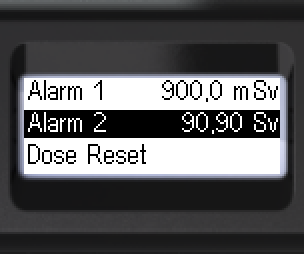
- Zu [Alarm 2] wechseln. Werte einstellen.
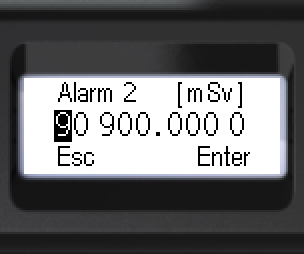
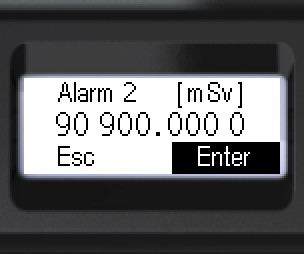
- [Enter] oder [Esc] wählen. Lang drücken zum Bestätigen.
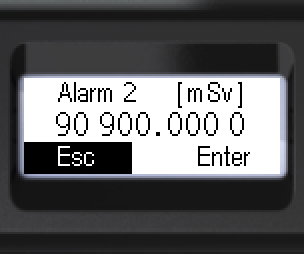
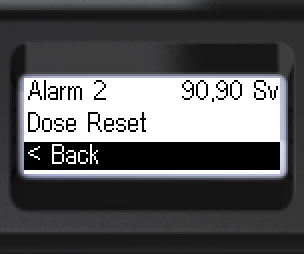
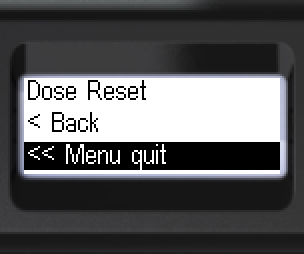
- Zurück: [< Back] oder [<< Menu quit].
Aktualisiert: 21. Okt. 2026