Bedienung und Display
Menünavigation
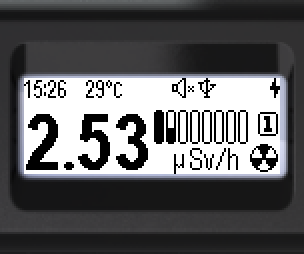
- Runde Taste kurz drücken, um ins Menü zu gelangen.
- Oben – Name des aktuellen Menüpunkts (z. B. „Monitor“).
- Die Symbole der Menüpunkte sind senkrecht angeordnet.
- Der aktive Punkt ist invers dargestellt – hell auf dunkel.
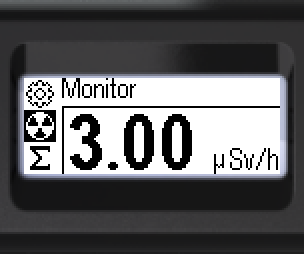
Auf der Hauptebene stehen sechs Punkte zur Verfügung. Sichtbar sind jeweils drei; die übrigen erscheinen beim Blättern mit den Wipptasten. Das Menü ist auf allen Ebenen zyklisch.
Zyklische Reihenfolge beim Drücken von „unten“:
 →
→  →
→  →
→ →
→  →
→ 
Punkt wählen – Wipptasten kurz drücken. Bestätigen – runde Taste kurz drücken.
Untermenü verlassen – [< Back] oder [<< Menu quit].
Aktualisiert: 21. Okt. 2026