Einstellungen
Bildschirmeinstellungen
Helligkeit der Hintergrundbeleuchtung: 0–9 (Standard 5). Niedrige Stufen schonen den Akku. [Duration]: 5, 10, 15, 30 s und 2, 5 min. [Turning on]: [Auto] / [By button] / [Never]. [Rotate]: [Auto] / [Right] / [Left].
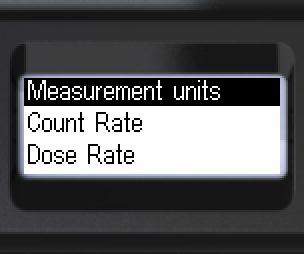
- Zu [Screen] wechseln. Untermenü öffnen.
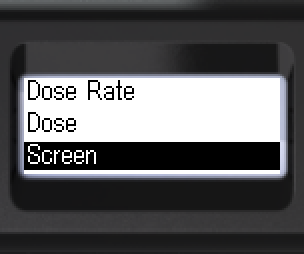
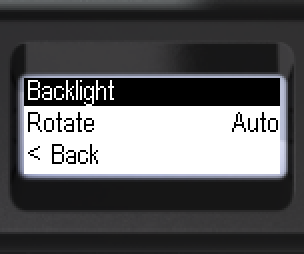
- [Backlight] öffnen. [Turning on] wählen: [Auto], [Never] oder [By button].
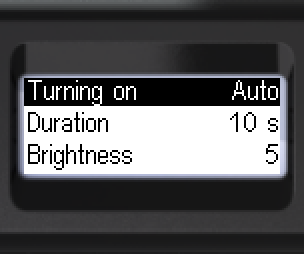
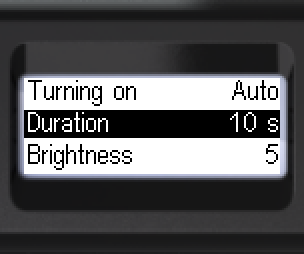
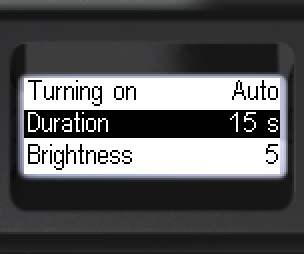
- [Duration] wählen: 5, 10, 15, 30 s oder 2, 5 min.
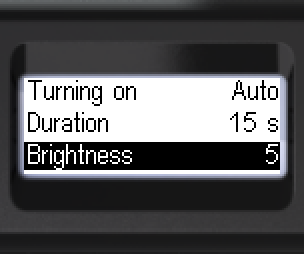
- Helligkeit wählen: 0 bis 9.
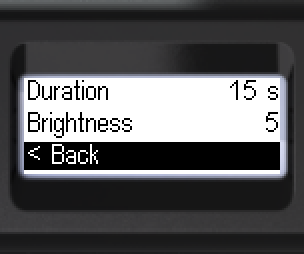
- [< Back] – eine Ebene zurück.
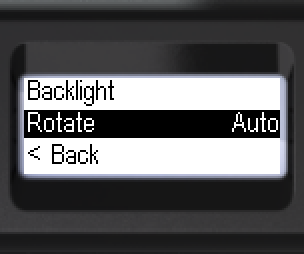
- Zu [Rotate] wechseln. Wählen: [Auto], [Right] oder [Left].
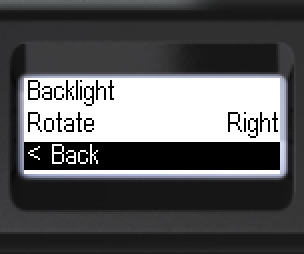
- [< Back] – eine Ebene zurück.
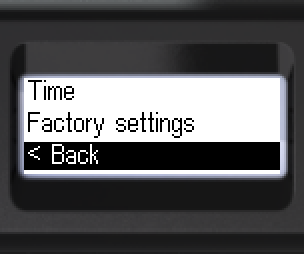
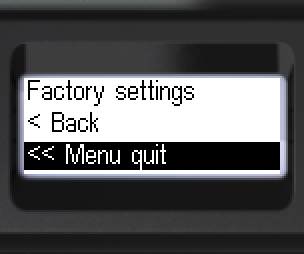
- Zurück: [< Back] oder [<< Menu quit].
Aktualisiert: 21. Okt. 2026