Quick Start
Get your Radiacode ZERO up and running in 5 minutes
Radiacode ZERO is a portable wide-range radiation detector and dosimeter for real-time radiation assessment. The device measures gamma and X-ray dose rate, accumulates dose, automatically logs measurements, and alerts you to radiation hazards.
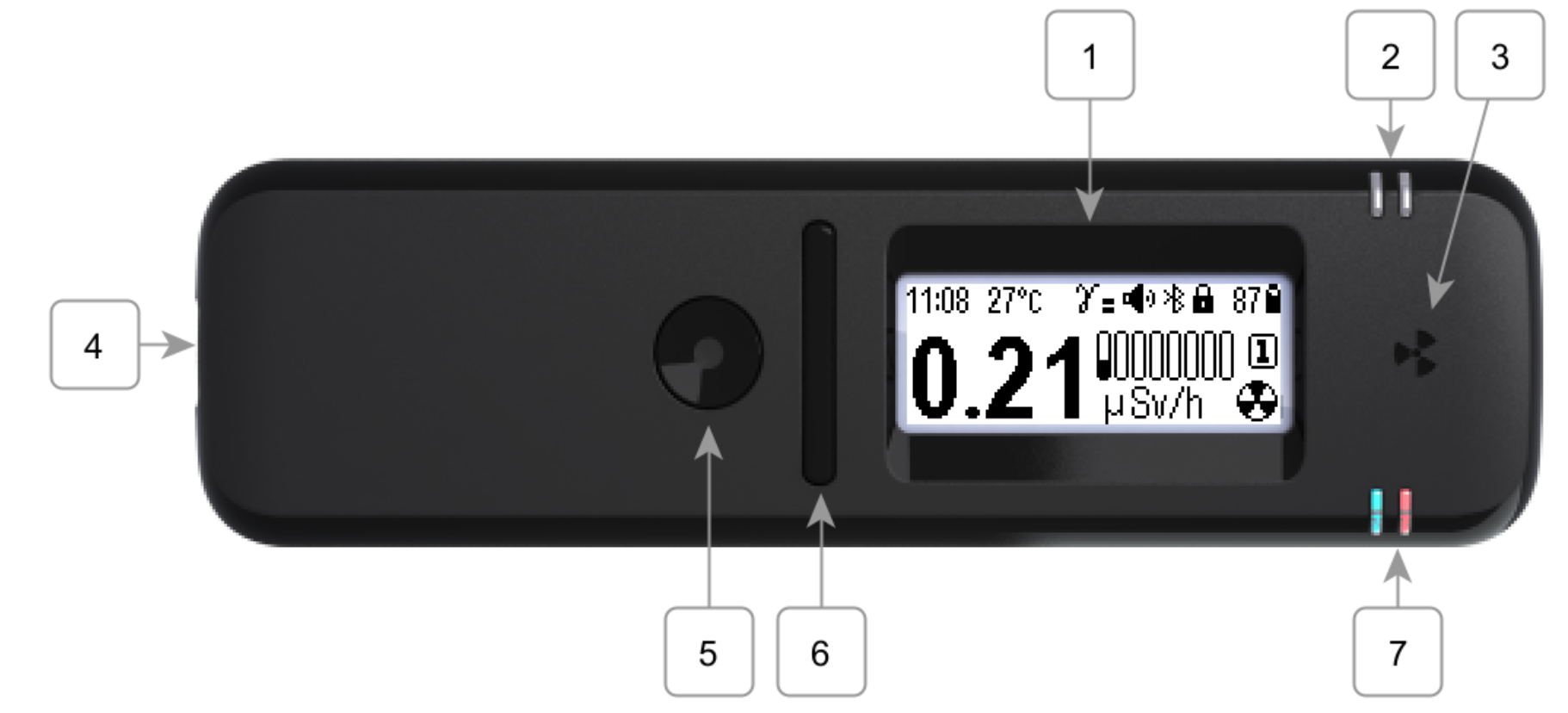
Step 1: Unboxing and Charging
Remove the device from its packaging, verify its integrity, and check completeness. Connect a USB Type-C cable to a charger (5 V, 0.5 A or higher) or a computer USB port. Wait for a full charge — the blue indicator will turn off.
If the device has been brought in from the cold, leave it in its packaging at room temperature for two hours before opening. Otherwise, moisture condensation may cause a malfunction.
Step 2: Power On
Press and hold the round button (3 seconds). The device will start in Monitor mode and begin estimating the dose rate.
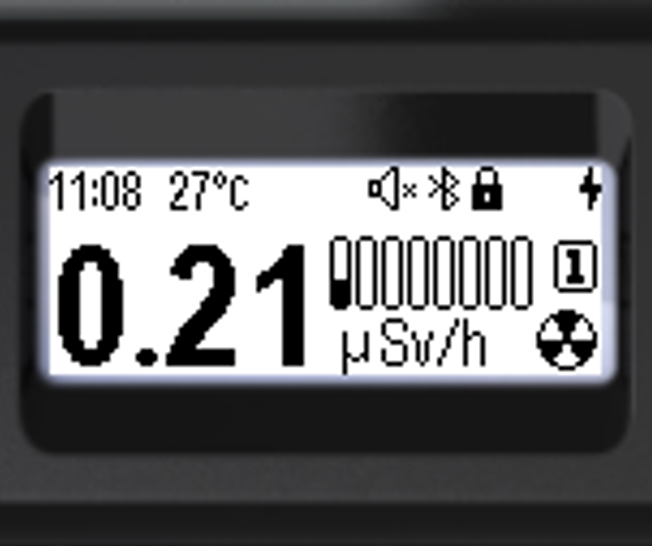
- Press and hold the round button until the device turns on (at least 3 seconds).
- On startup, the device will be in Monitor mode.
- Depending on settings, a startup sound, vibration, and backlight will be activated.
Step 3: Reading the Display
The screen shows the current dose rate estimate. While data is insufficient, the digits will be hatched. After a few seconds, the estimate becomes reliable.
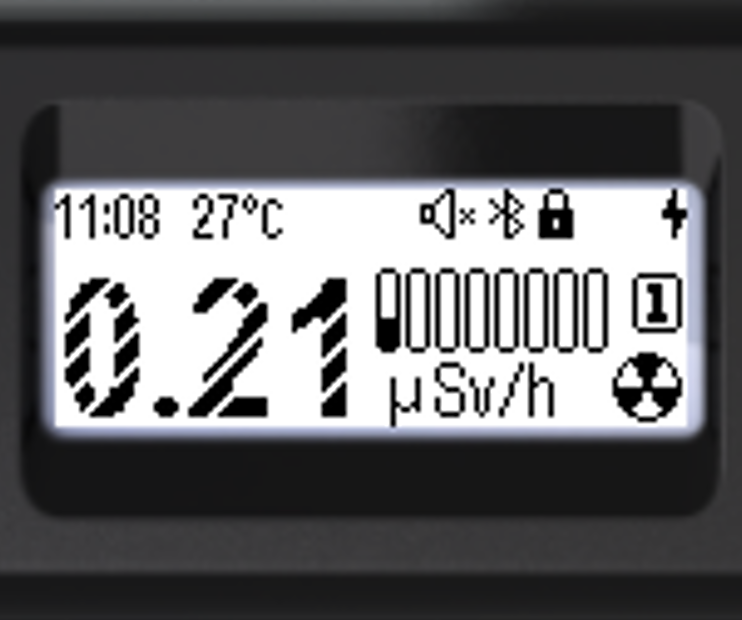
- When data is insufficient, the digits are hatched with light diagonal stripes.
- When the estimate is reliable, the digits are fully filled in.
Step 4: Connecting to a Smartphone
Install the RadiaCode app from Google Play, the App Store, or the RadiaCode website at radiacode.com/downloads. Connect the device via Bluetooth for extended features: Google and OSM maps with GPS coordinates, charts, history, and external database storage.
Additionally recommended:
- Set the current time (Settings → Time)
- Select the menu language (Settings → Language)
- Configure the display backlight and orientation
- Configure sound, vibration, and LED signals
- Update the firmware