Einstellungen
Signale – Ton, Vibration, Licht
Kombinierte Benutzerschnittstelle: Display, Tasten, Tongeber, LEDs, Vibrationsmotor. Alarmtöne, Tastenrückmeldung und Klicks sind getrennt einstellbar.
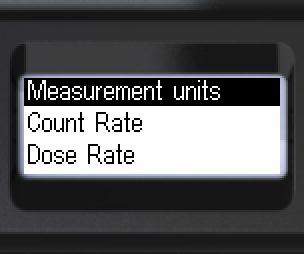
- Zu [Signals] wechseln. Untermenü öffnen.
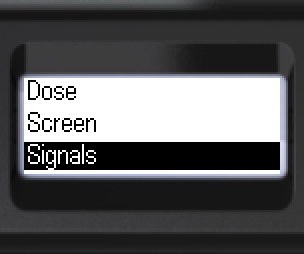
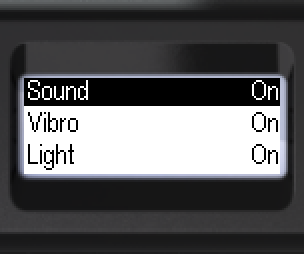
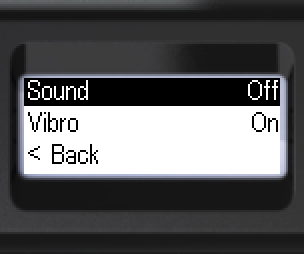
- [Sound]: [On] – alle freigegebenen Töne, oder [Off] – nur die Töne für Gerätesuche und Messbereichsüberschreitung bleiben.
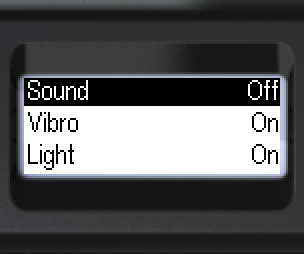
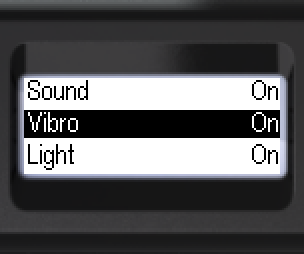
- [Vibro] und [Light]: [On] oder [Off].
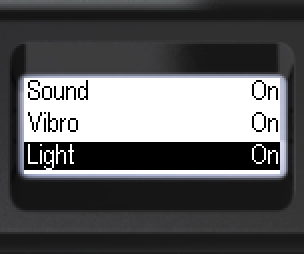
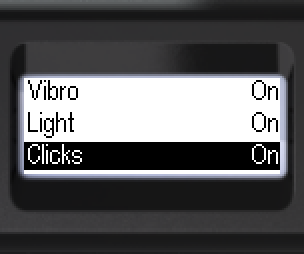
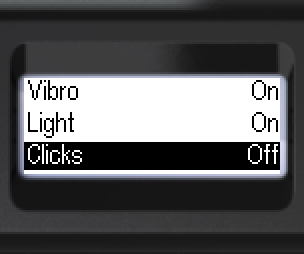
- [Clicks] – Klick bei jeder Registrierung von Gamma- und Röntgenphotonen. [On] oder [Off].
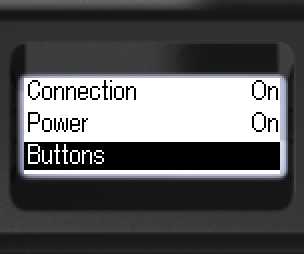
- [Buttons]: [Sound] oder [Vibro] – Art der Rückmeldung wählen.
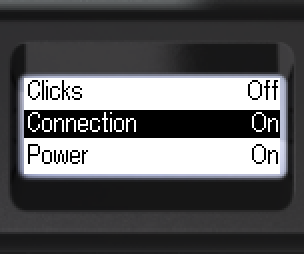
- [Connection] – Ton bei Verbindungsaufbau/-trennung. [On] oder [Off].
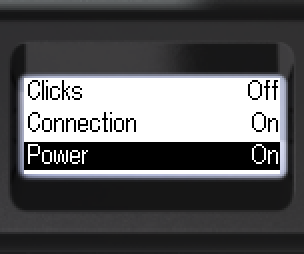
- [Power] – Ein-/Ausschaltton. [On] oder [Off].
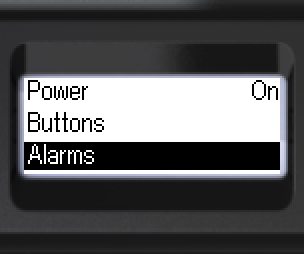
- Alarmsignale einstellen: [Alarms]. Bestätigen.
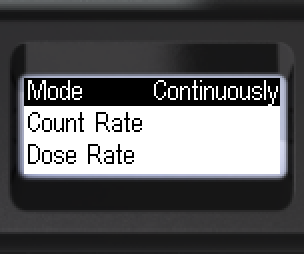
- Signalmodus: [One-shot] oder [Continuously].
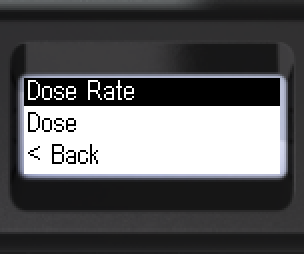
- Kanal wählen, z. B. [Dose Rate]. Bestätigen.
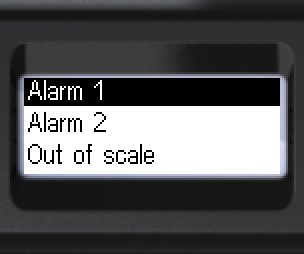
- Stufe wählen: [Alarm 1] oder [Alarm 2]. Bestätigen.
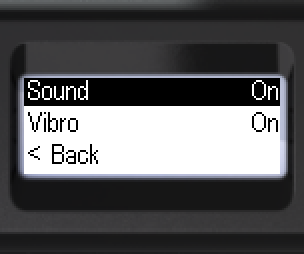
- [Sound] oder [Vibro]: [On] oder [Off].
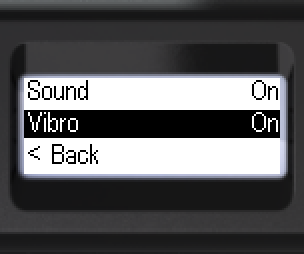
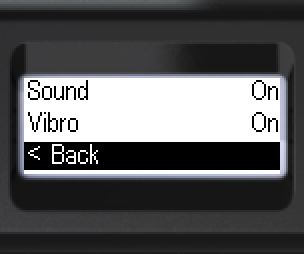
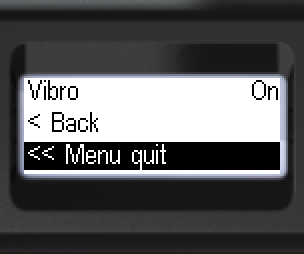
- Zurück: [< Back] oder [<< Menu quit].
Aktualisiert: 21. Okt. 2026