Bedienung und Display
Ein- und Ausschalten
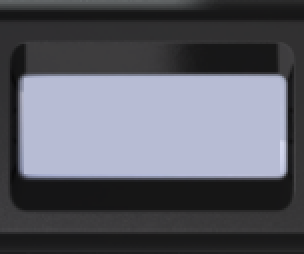
- Runde Taste gedrückt halten, bis sich das Gerät einschaltet (mindestens 3 Sekunden).
- Nach dem Einschalten befindet sich das Gerät im Modus „Monitor“.
- Falls aktiviert: Einschaltton, Vibration, Hintergrundbeleuchtung.
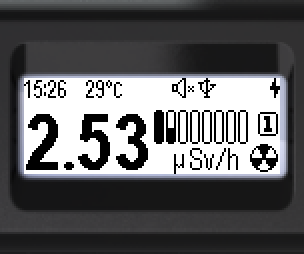
- Ausschalten: runde Taste kurz drücken – das Menü erscheint.
- Das Schloss-Symbol bedeutet: Die Wipptasten sind gesperrt. Entsperren – runde Taste gedrückt halten (mindestens 3 Sekunden).
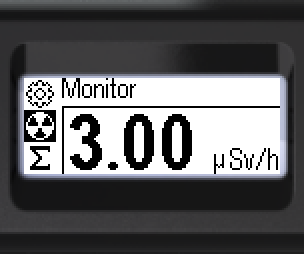
Schloss-Symbol:  – Wipptasten gesperrt.
- Mit den Wipptasten zum Symbol [Power off] wechseln.
- Kurzer Druck auf die runde Taste schaltet das Gerät aus.
- Falls aktiviert, ertönt der Ausschaltton. Der Bildschirm wird dunkel.
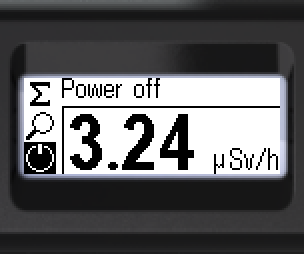
Symbol [Power off]: 
Aktualisiert: 21. Okt. 2026