Alarm system
Setting alarm thresholds
Two alarm thresholds can be set for each of the three quantities — count rate, dose rate, accumulated dose. The procedure is the same for all three. Settings are made in the [Settings] menu (access — see chapter “Settings”).
Count rate — alarm levels
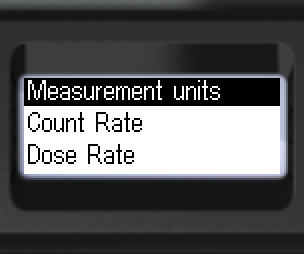
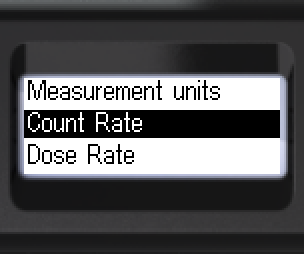
- Navigate to [Count Rate].
- Enter the submenu.
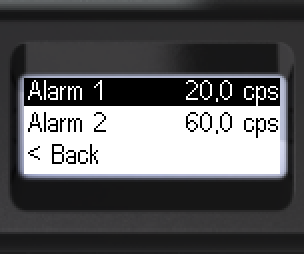
- Enter [Alarm 1].
- Select a digit, change its value.
- Set all digits.
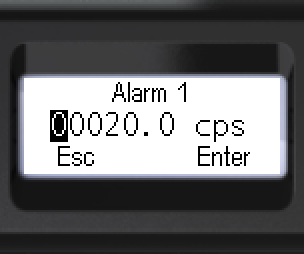
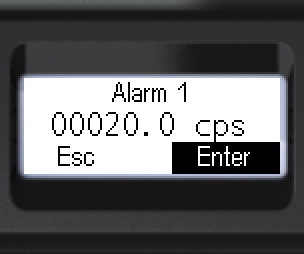
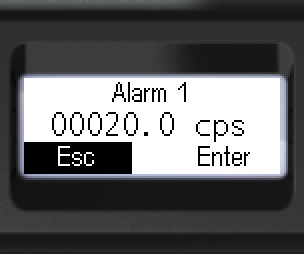
- Select [Enter] or [Esc].
- Long-press to confirm.
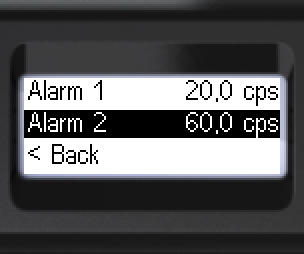
- Navigate to [Alarm 2].
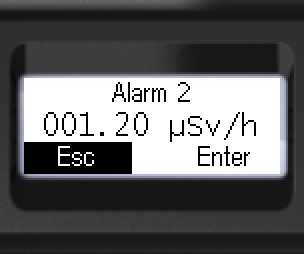
- Enter [Alarm 2].
- Select a digit, change its value.
- Set all digits.
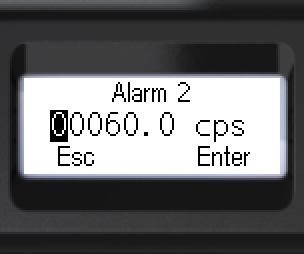
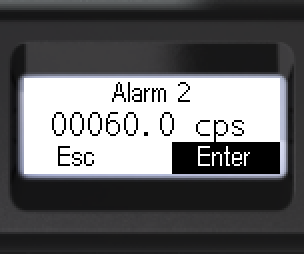
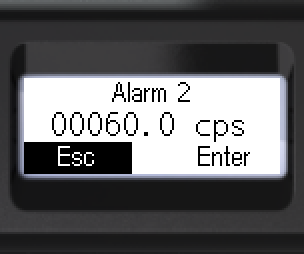
- Select [Enter] or [Esc].
- Long-press to confirm.
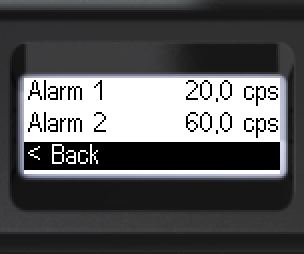
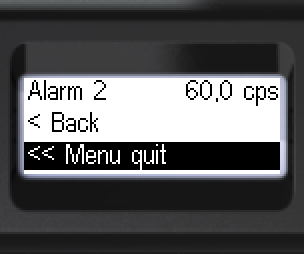
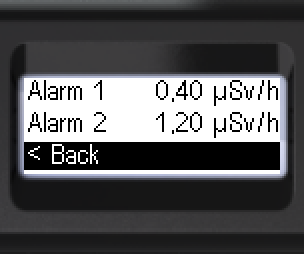
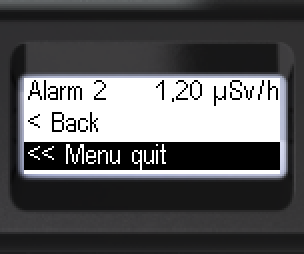
- To go back: [< Back] or [<< Menu quit].
Dose rate — alarm levels
- Navigate to [Dose Rate].
- Enter the submenu.
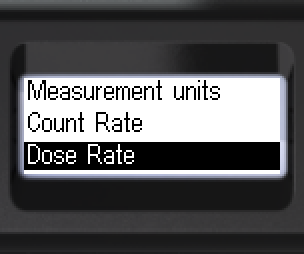
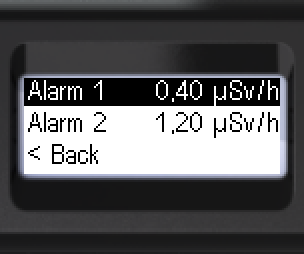
- Enter [Alarm 1].
- Select a digit, change its value.
- Set all digits.
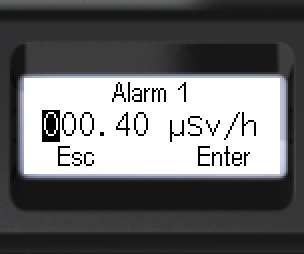
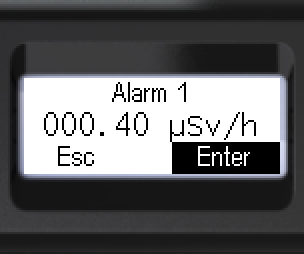
- Select [Enter] or [Esc].
- Long-press to confirm.
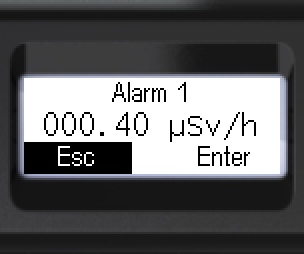
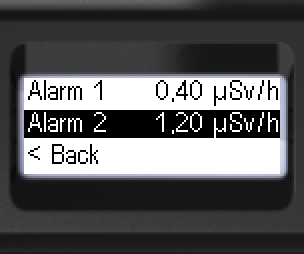
- Navigate to [Alarm 2].
- Enter [Alarm 2].
- Select a digit, change its value.
- Set all digits.
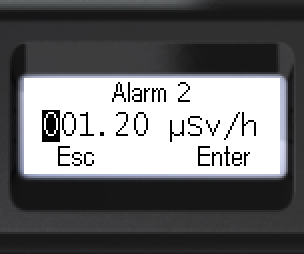
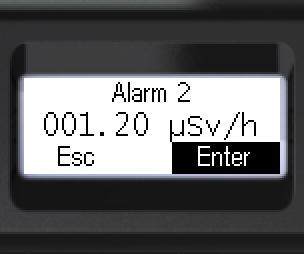
- Select [Enter] or [Esc].
- Long-press to confirm.
- To go back: [< Back] or [<< Menu quit].
Dose — alarm levels
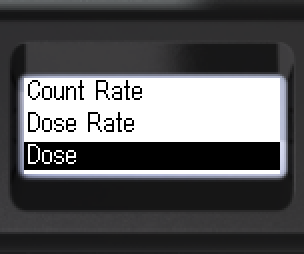
- Navigate to [Dose].
- Enter the submenu.
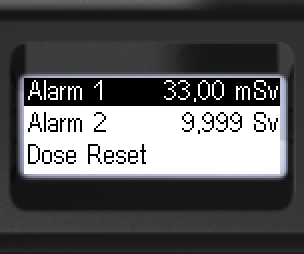
- Enter [Alarm 1].
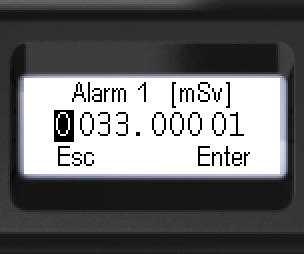
- Select a digit, change its value.
- Set all digits.
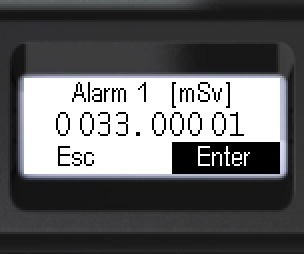
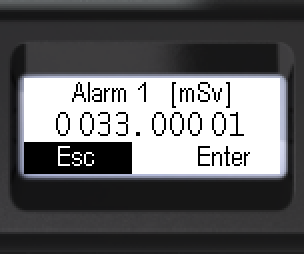
- Select [Enter] or [Esc].
- Long-press to confirm.
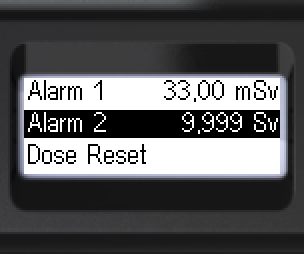
- Navigate to [Alarm 2].
- Enter [Alarm 2].
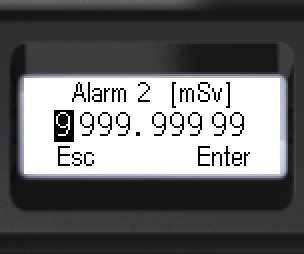
- Select a digit, change its value.
- Set all digits.
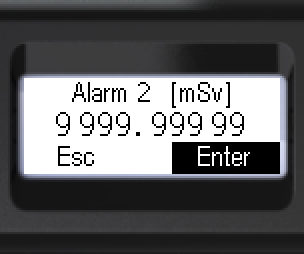
- Select [Enter] or [Esc].
- Long-press to confirm.
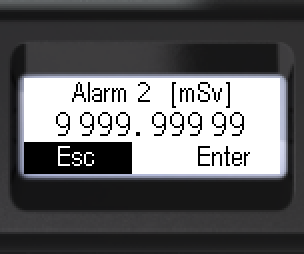
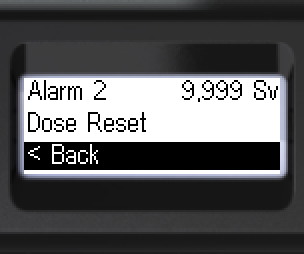
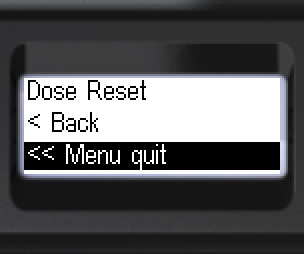
- To go back: [< Back] or [<< Menu quit].
Updated: Oct 26, 2026