Buttons
The device has an intuitive menu system and is controlled by three buttons. Sound and vibration indication also help in operating the device. Which of the swing buttons is “up” and which is “down” depends on the screen orientation settings.
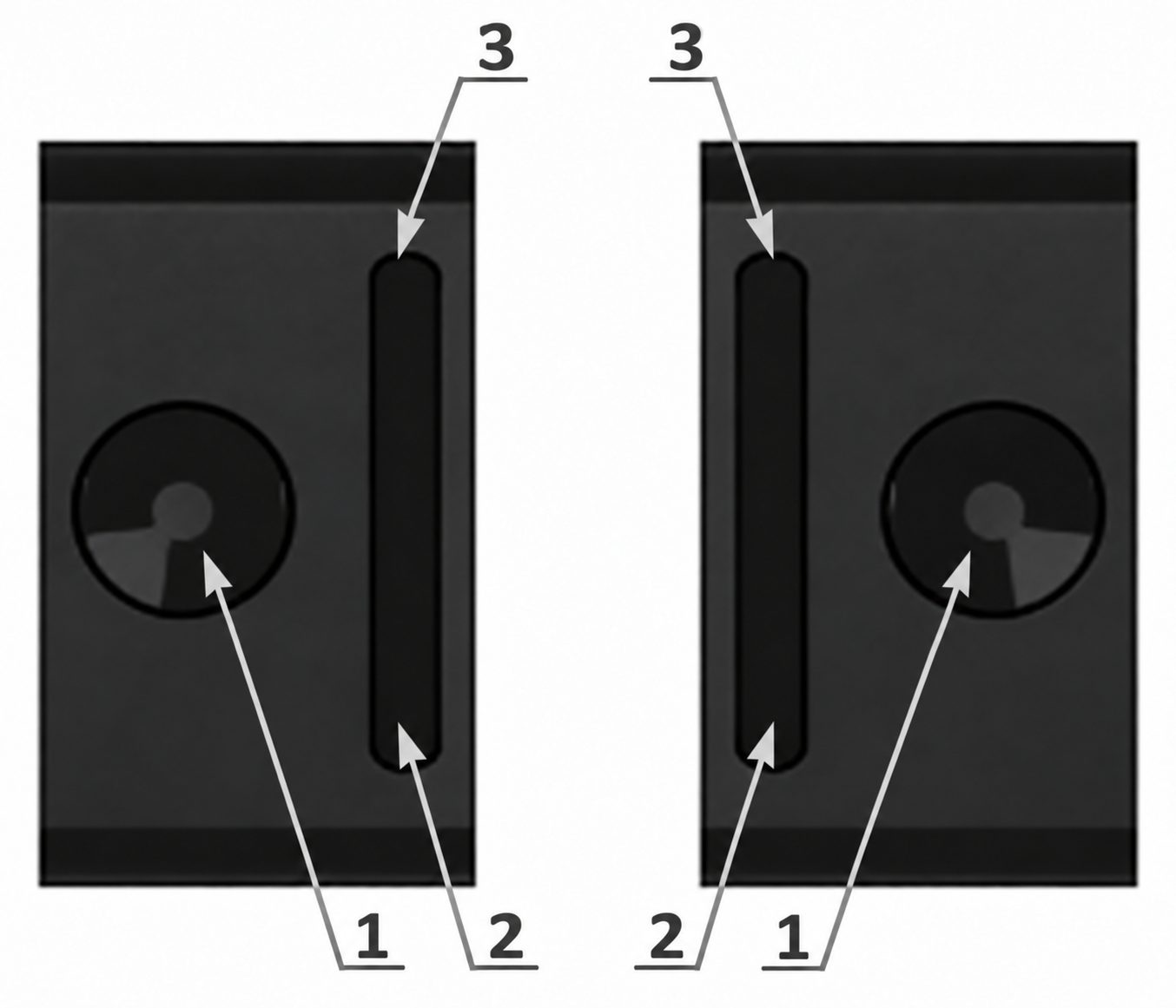
The device in the left and right hand:
- Power and confirmation button, round.
- Swing button “down”.
- Swing button “up”.
Two types of button press are used: short and long (at least 3 seconds).
Long press on the round button [1]: turn on the device, unlock/lock the swing buttons, confirm viewing of the list of maximum alarm levels, confirm in some settings screens.
Short press on the round button: call up the menu, return from the main menu to the display mode, confirm the highlighted menu item, toggle options, turn off alarm signals.
The swing buttons lock automatically after 5, 10, 15, 30 seconds, 2 or 5 minutes of inactivity, together with the screen backlight turning off. The status bar then shows the icon  . This time is set in the backlight settings with the [Duration] parameter.
Unlock the swing buttons — long press on the round button [1]. This also turns on the backlight, if enabled in the settings. In [Auto] mode the backlight does not turn on in sufficient light. Lock again — long press on the round button [1].
A short press on the “up/down” swing buttons [2, 3] is used to move between menu items, set numerical values and access additional functions in the display modes.
A long press on the “up/down” swing buttons [2, 3] performs different functions in different contexts. In menus, a long press scrolls quickly through the items. In the display modes, a long press on the “up” swing button turns the sound indication on and off.
The selected menu item at any level is highlighted in negative — light on dark.
Pressing any button is accompanied by a short sound and vibration, depending on the settings. The sound and vibration accompanying button presses can be turned off.
Updated: Oct 26, 2026