Settings
Selecting units of measurement
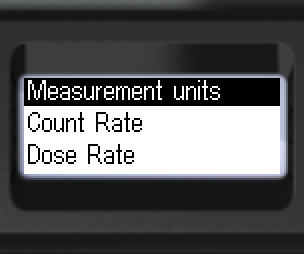
- Navigate to [Measurement units].
- Open [Measurement units].
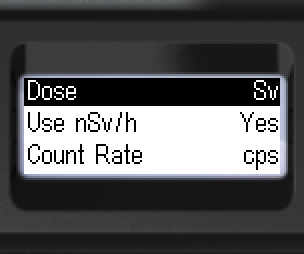
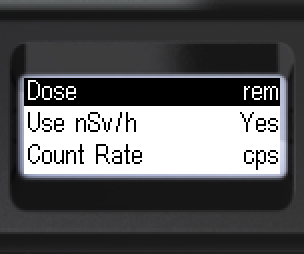
- Select dose rate units: Sv — sievert or rem — roentgen equivalent man.
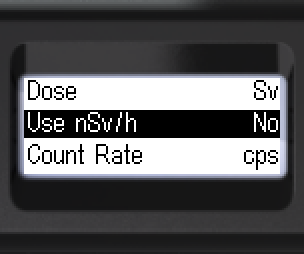
- Move focus to [Use nSv/h].
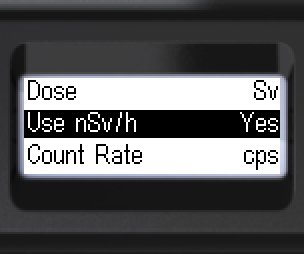
- Choose whether to use nSv/h when Sv is selected: [Yes] or [No].
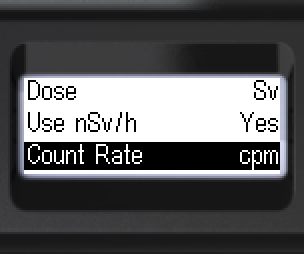
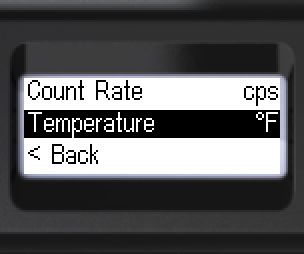
- Move focus to [Count Rate].
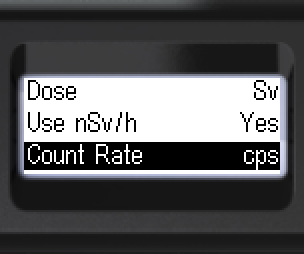
- Select count rate units: cps — counts per second or cpm — counts per minute.
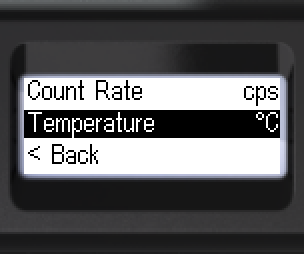
- Move focus to [Temperature]. Select temperature units: °C — Celsius or °F — Fahrenheit.
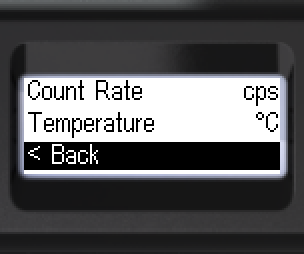
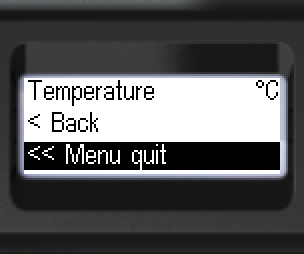
- To go back: [< Back] or [<< Menu quit].
Updated: Oct 26, 2026