Menu navigation
The menu is opened from any display mode:
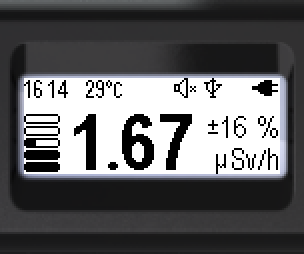
- Short-press the round button to go to the menu.
- At the top — the name of the current menu item (here — “Monitor”).
- The main menu item icons are arranged vertically.
- The active item is highlighted (light on dark).
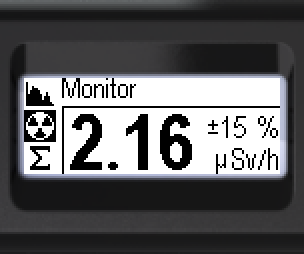
Seven items are available at the main menu level. Only three are visible on the device screen at a time; the others become available as you press the “up/down” swing buttons. The menu is cyclic at all levels.
Of the seven items, four [ Spectrum,
  Monitor,
  Dose,
Dose,  Search] give access to the radiation environment display modes.
The [ Power off] is an action item: when confirmed with the round button, the device turns off.
The [ Settings] opens the device settings menu.
The [ Device info] shows the device serial number and the firmware and bootloader versions.
Cyclic order at the main level when pressing “down”:
→ → → → → → → …
To select an item — short-press the “up/down” swing buttons; the selected item is highlighted (light on dark). To confirm — short-press the round button.
The settings level and deeper menu levels can be exited via the [< Back] and [<< Menu quit] items.
Updated: Oct 26, 2026