Settings
Settings menu
All settings are available via the menu: round button →  [Settings] submenu.
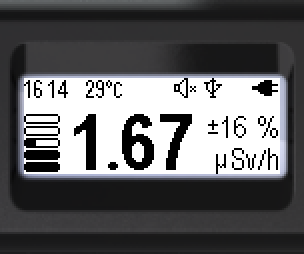
- Short-press the round button to go to the menu.
- At the top — the name of the current menu item (here — “Monitor”).
- The main menu item icons are arranged vertically; the active item is highlighted (light on dark).
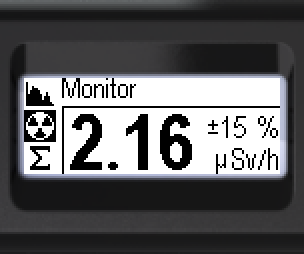
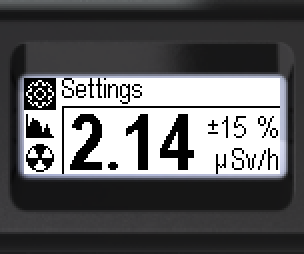
- Navigate to [Settings] (the menu is cyclic).
- Open the [Settings] menu.
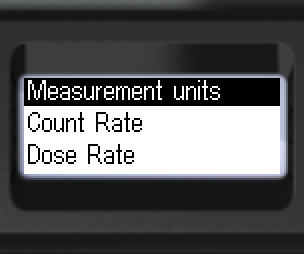
Navigate to the required item and make the setting. To go back from this or any deeper level: [< Back] or [<< Menu quit].
Items of the [Settings] menu: Measurement units; Count Rate, Dose Rate, Dose (alarm thresholds — see section “Setting alarm thresholds”); Screen; Signals; Bluetooth; Language; Time; Factory settings.
Updated: Oct 26, 2026