Settings
Setting the time
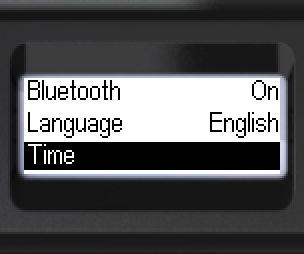
When connected to a smartphone or computer, the time is set automatically. Manual setting via the menu:

- Navigate to [Time].
- Confirm.
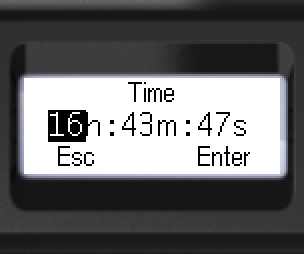
- Select an input field.
- Change the value with the swing buttons.
- Hold a swing button for fast change.
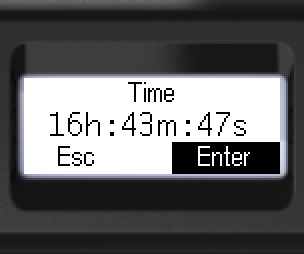
- Select [Enter] or [Esc].
- Long-press to confirm.
- The device returns to the previous menu level.
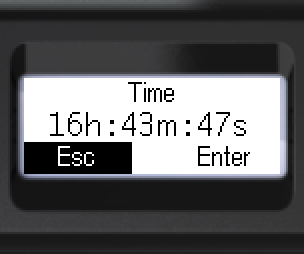
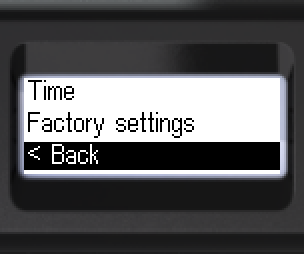
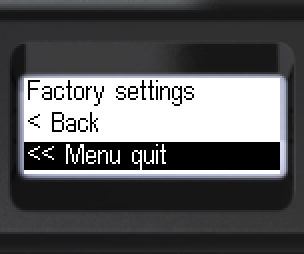
- To go back: [< Back] or [<< Menu quit].
Updated: Oct 26, 2026