Controls and display
Turning on and off
To turn on the device, press the round button and hold it for at least 3 seconds. The device can be turned off via the menu.

- To turn on, press and hold the round button until the device turns on (at least 3 seconds).
- When turned on, the device is in Monitor mode.
- If enabled, the “turning on” sound plays, the device vibrates and the display backlight turns on.
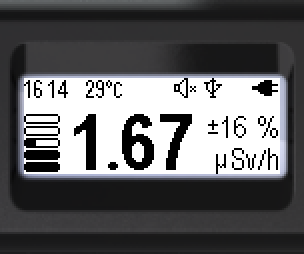
- To turn off, short-press the round button — the menu appears.
- The lock icon shows that the swing buttons are locked. To unlock them, press and hold the round button (at least 3 seconds).
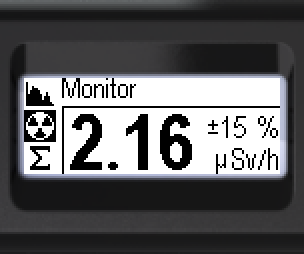
Lock icon:  — the swing buttons are locked.
- Move the cursor to the power-off icon with the swing buttons.
- A short press on the round button turns the device off.
- If enabled, the “turning off” sound plays. The screen goes dark.
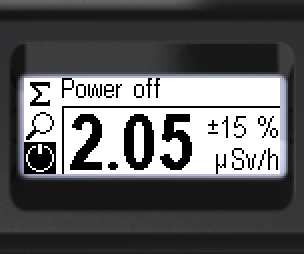
Power-off icon:  .
.
Updated: Oct 26, 2026