Settings
Screen settings
Backlight brightness — ten levels, from 0 to 9 (default 5); at low levels the battery drains more slowly. The backlight turns off automatically: delay — 5, 10, 15, 30 seconds or 2, 5 minutes. Turn-on mode: [Never] — backlight disabled; [By button] — turns on with any button press; [Auto] — turns on with a button press when the ambient light is insufficient.
By default the screen rotates automatically for the right or left hand; the orientation can be fixed — [Right] or [Left].
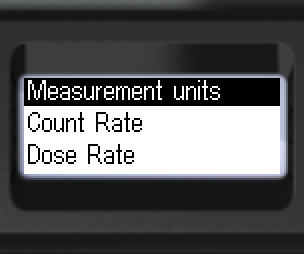
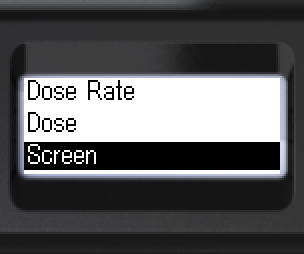
- Navigate to [Screen].
- Enter the submenu.
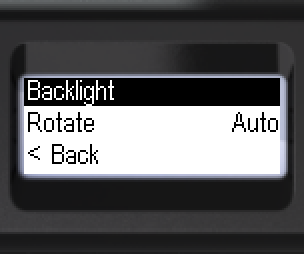
- Enter [Backlight].
- Move focus to [Turning on].
- Select mode: [Auto], [Never] or [By button].
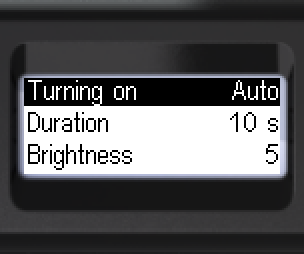
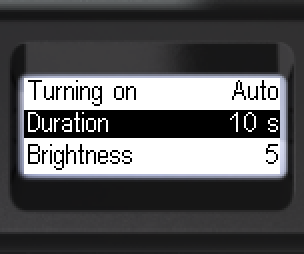
- Move focus to [Duration].
- Select duration: 5, 10, 15, 30 s or 2, 5 min.
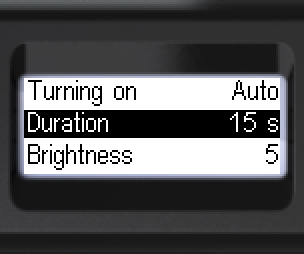
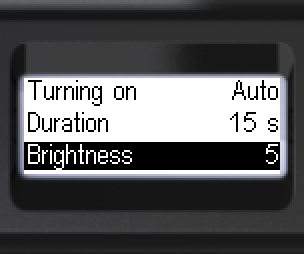
- Move focus to [Brightness].
- Select backlight brightness from 0 to 9.
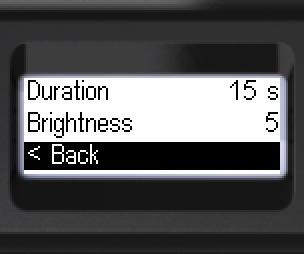
- [< Back] to go back.
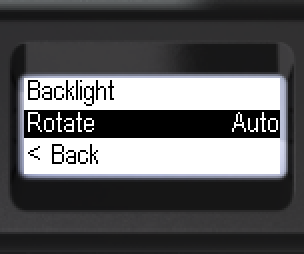
- Navigate to [Rotate].
- Select: [Auto], [Right] or [Left].
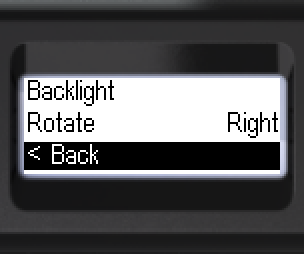
- [< Back] to go back.
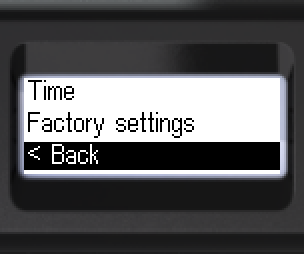
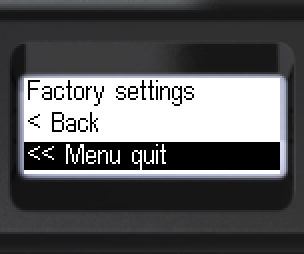
- To go back: [< Back] or [<< Menu quit].
Updated: Oct 26, 2026